
Modern enterprise web development is overwhelmingly powered by JavaScript frameworks. From Next.js, Nuxt, and SvelteKit to complex single-page applications built on React, Vue, and Angular, frontend engineers build fluid, app-like user experiences. Yet behind the sleek interfaces, modern JavaScript architectures frequently create severe search engine optimization disasters: blank initial HTML payloads, catastrophic client-side hydration errors, invisible client-side links, unhandled soft 404s, and multi-week indexing delays caused by rendering queue bottlenecks. To build high-ranking modern web platforms, technical SEOs and frontend software engineers must understand the exact inner workings of search engine web rendering pipelines. This definitive master engineering manual details the mechanics of Googlebot's Web Rendering Service (WRS), Next.js App Router hydration architectures, edge prerendering with Cloudflare Workers, and automated CI/CD JavaScript SEO testing.
The Two-Wave Indexing Reality:
While Googlebot renders JavaScript, it does not render JavaScript in real time during the initial crawl. Google operates a two-wave indexing pipeline: the raw server-rendered HTML is indexed within minutes (Wave 1), whereas JavaScript execution in the Web Rendering Service (Wave 2) is deferred to a resource-constrained rendering queue that can delay content discovery by several hours to multiple weeks.
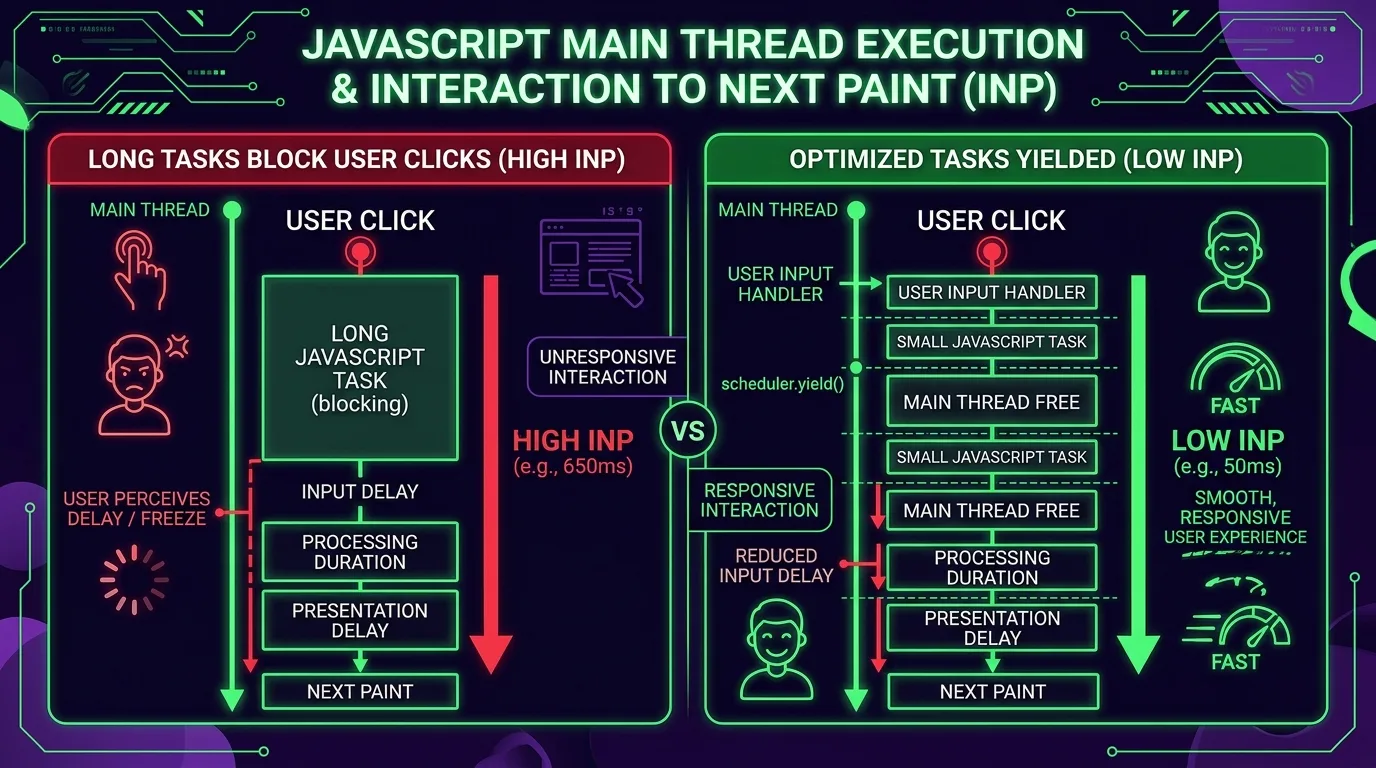
Figure 1: Googlebot's Two-Wave Indexing Architecture — Processing Initial HTML (Wave 1) vs. Queued Chromium WRS Rendering (Wave 2).
Chapter 1: The Mechanics of Googlebot's Web Rendering Service (WRS)
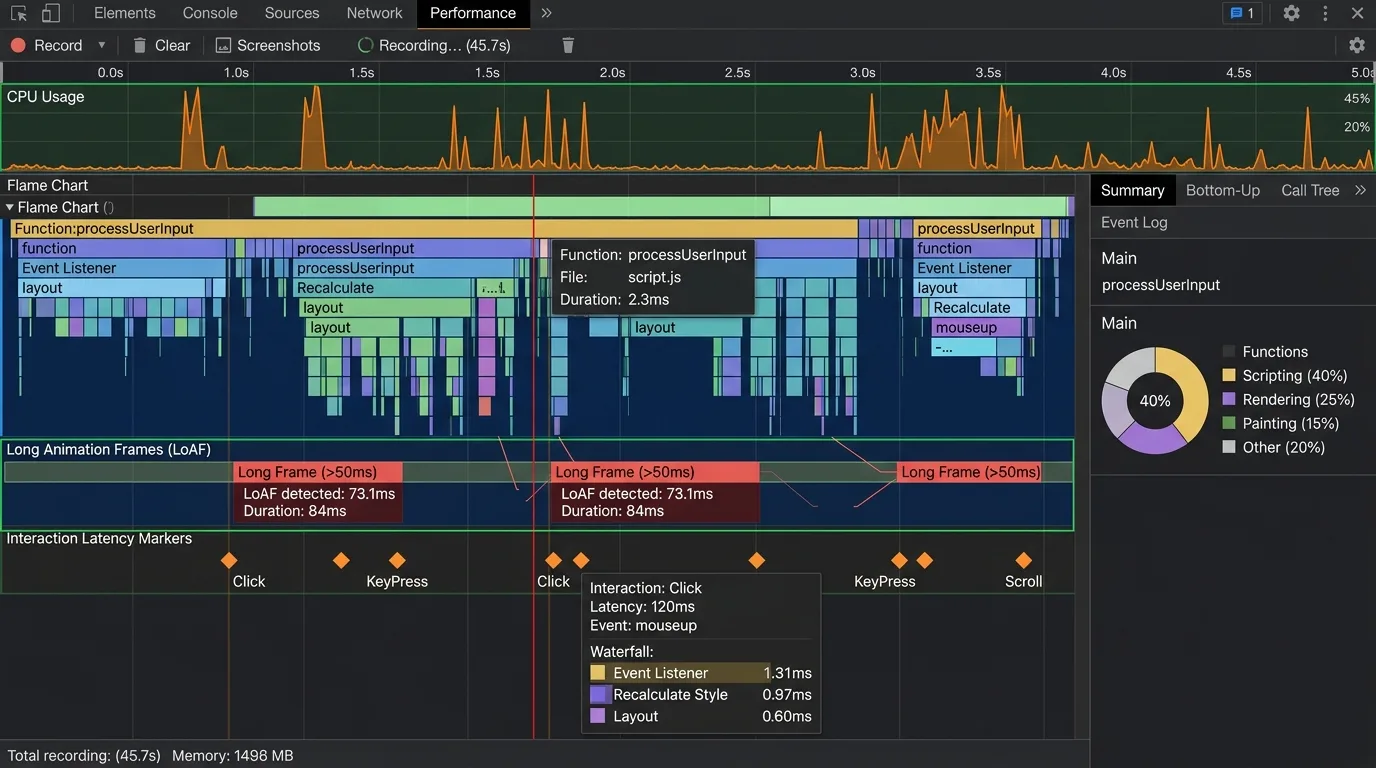
Googlebot utilizes an evergreen Chromium rendering engine (WRS) that supports modern ECMAScript standards, Web Components, and contemporary CSS specifications. However, treating Googlebot WRS as an ordinary desktop browser is a fatal assumption for software architects. Search engine rendering operates under extreme computational, economic, and security constraints:
1. Resource Caching and Statelessness
Googlebot WRS runs completely stateless between page visits. It clears all localStorage, sessionStorage, and IndexedDB stores between page evaluations, and it does not persist HTTP session cookies across separate page crawls. Furthermore, Googlebot aggressively caches sub-resources (JavaScript bundles, CSS stylesheets, API endpoints, and fonts) across different URLs to conserve compute bandwidth. If your application serves dynamically changing API data without proper HTTP Cache-Control response headers, Googlebot may evaluate rendered pages against stale API responses cached weeks prior.
2. The 5-Second Execution Budget & Resource Throttling
When Googlebot pulls a URL from the rendering queue, it allocates approximately 3 to 5 seconds of CPU execution time for the page to reach visual and DOM stability. If a heavy client-side bundle requires 8 seconds to parse, download external fonts, and execute multiple chained GraphQL queries, the WRS crawler halts execution and takes a DOM snapshot of whatever partial state exists—frequently indexing empty loading skeletons or incomplete product grids.
3. Googlebot Memory Footprints and Heap Exhaustion
Headless Chromium instances inside Google's data centers enforce strict per-page virtual memory caps (typically 512MB to 1GB of RAM). If a JavaScript-heavy web application leaks DOM listeners or instantiates massive client-side state trees, the headless Chromium renderer experiences an out-of-memory (OOM) crash. In Search Console, this manifests as an ambiguous “Failed to crawl” or “Page cannot be reached” error, even though web server access logs confirm the initial HTML payload was delivered with HTTP 200 OK.
4. User Interaction Inexistence
Googlebot never interacts with the page. It does not click “Read More” accordions, it does not scroll down infinite lists, it does not hover over navigation dropdowns, and it does not input text into form fields. Any critical content, internal links, or structured schema that requires user interaction to mount into the DOM will never be discovered or indexed by search engine crawlers.
Web APIs Unsupported or Disabled in Googlebot:
Googlebot explicitly disables or refuses permission requests for several browser APIs: Geolocation, Web Notifications, Camera/Microphone access, WebRTC, and Web Bluetooth. If your frontend crashes with an uncaught JavaScript exception when navigator.geolocation is denied, the entire page rendering will fail and Googlebot will abandon indexation.

Chapter 2: Rendering Patterns Architecture: SSR vs. SSG vs. CSR vs. ISR
Choosing the correct rendering architecture is the single most influential technical decision affecting both user Core Web Vitals and search crawler discovery. Software architects must understand the engineering trade-offs between each paradigm.
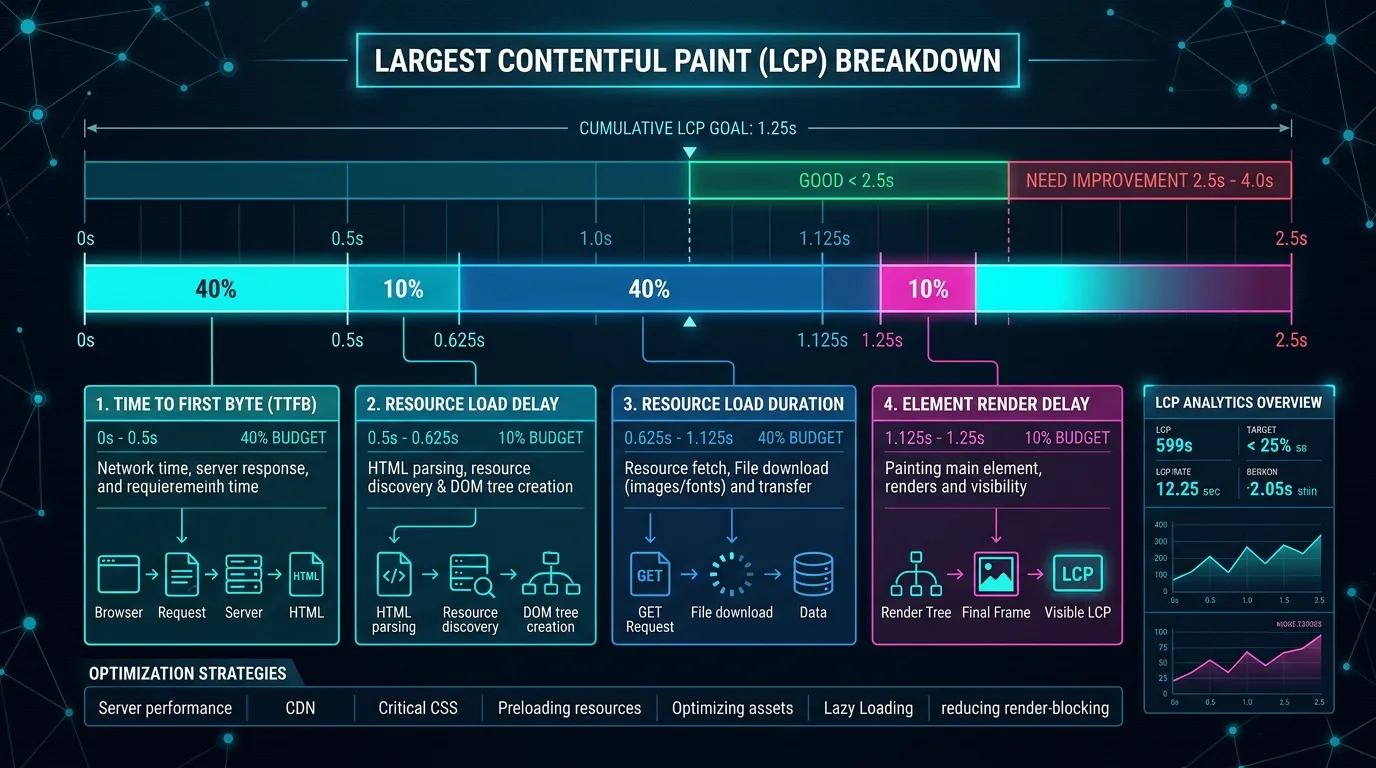
Figure 2: Rendering Patterns Performance Telemetry — Comparing TTFB, LCP, Crawl Efficiency, and Hosting Compute Costs.
| Rendering Architecture | Initial HTML Payload | Wave 1 Indexability | TTFB vs LCP Trade-off | Ideal Use Case |
|---|---|---|---|---|
| Client-Side Rendering (CSR) | Empty <div id="root"></div> shell |
0% (Requires Wave 2 WRS) | Fast TTFB (static host), but terrible LCP and high TBT. | Private SaaS dashboards, gated portals, admin consoles. |
| Server-Side Rendering (SSR) | 100% complete DOM with content & meta | 100% Instant Indexation | Higher TTFB (server compute), but excellent LCP and instant crawl. | E-commerce category pages, real-time news, dynamic marketplaces. |
| Static Site Generation (SSG) | 100% complete pre-compiled HTML on CDN | 100% Instant Indexation | Sub-50ms TTFB, near-instant LCP, zero server compute overhead. | Technical blogs, marketing documentation, evergreen knowledge bases. |
| Incremental Static Regeneration (ISR) | Pre-rendered HTML regenerated in background | 100% Instant Indexation | Ultra-fast CDN delivery with scheduled stale-while-revalidate updates. | Large-scale product catalogs (500,000+ SKUs), directory listings. |
Chapter 3: Next.js App Router, React Server Components, and Hydration
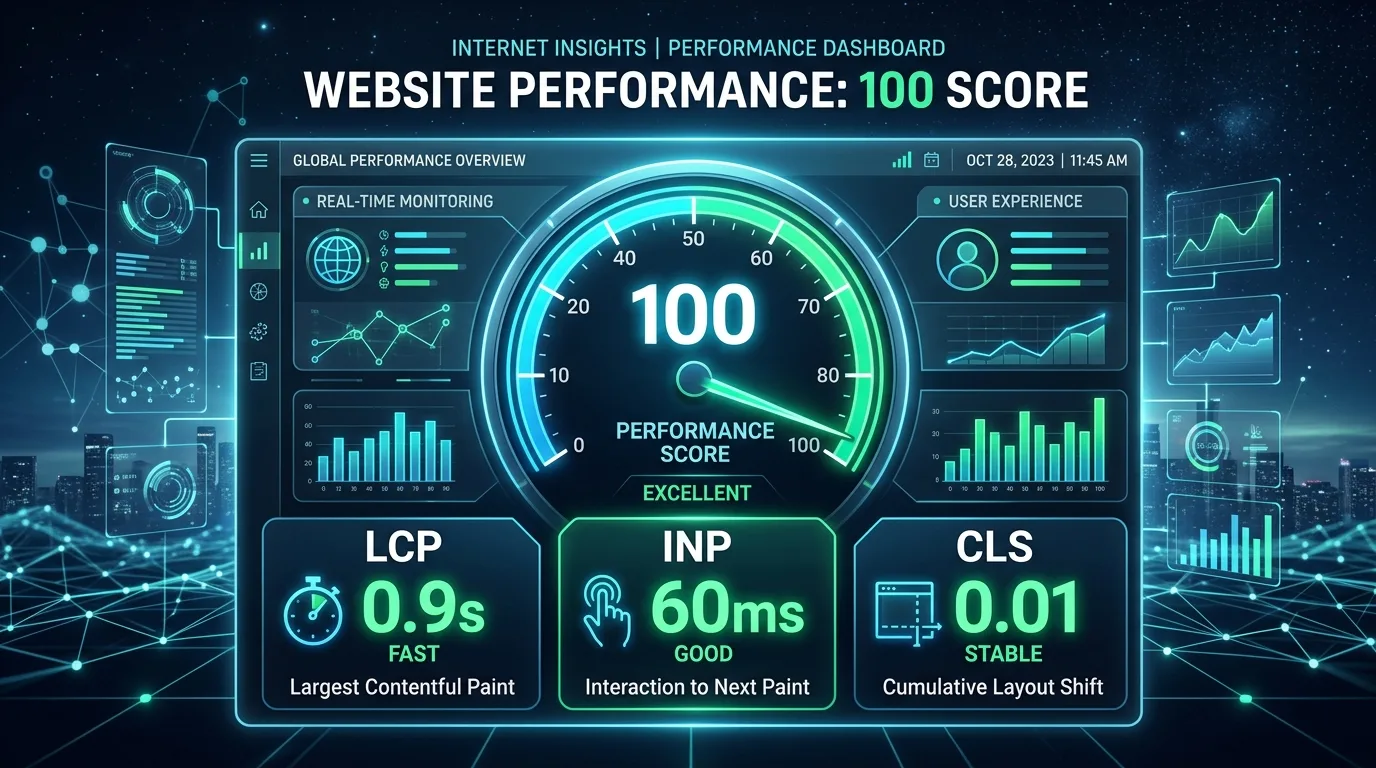
The introduction of the Next.js App Router and React Server Components (RSC) represents the largest paradigm shift in React history. In this architecture, components in the server tree execute exclusively on the server, outputting zero client-side JavaScript bundle weight, while interactive components opt into client execution via the 'use client' directive.
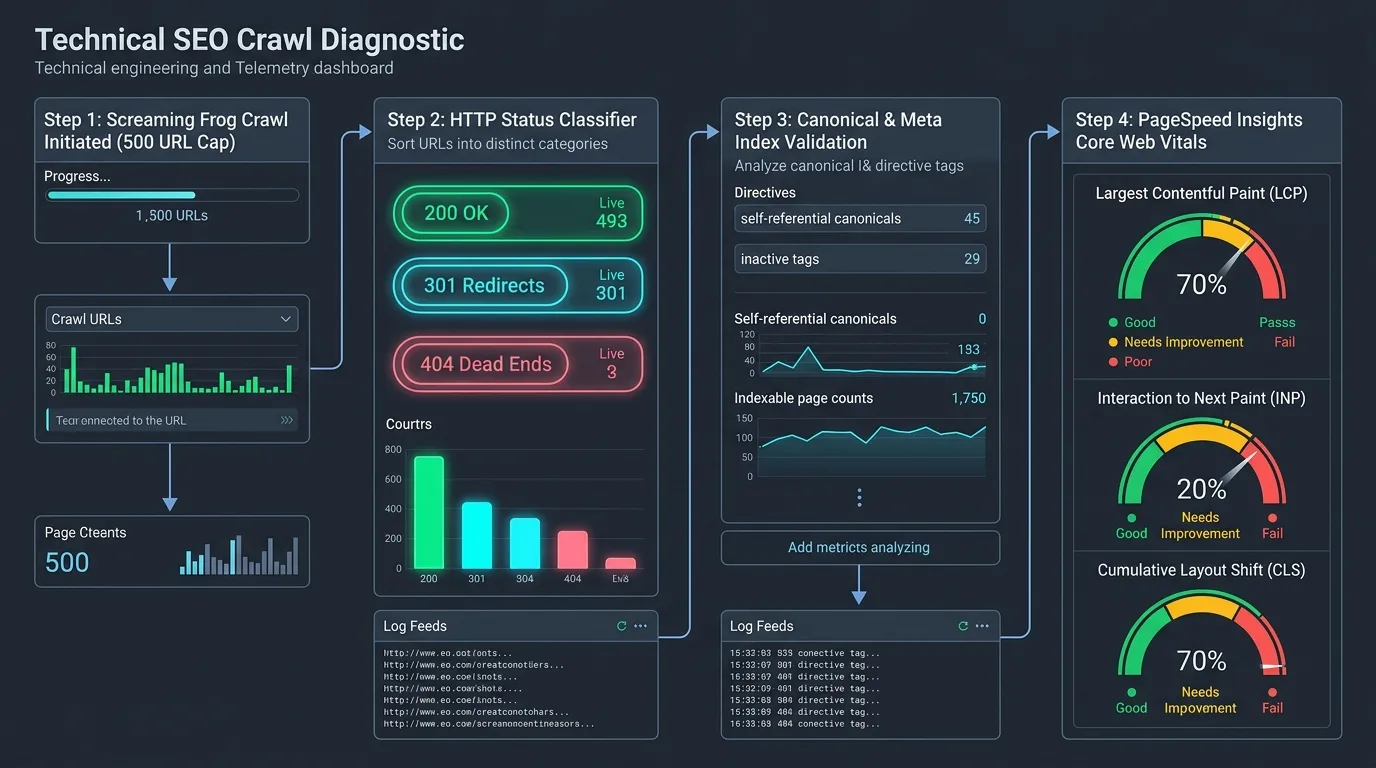
Figure 3: Modern Hydration Architecture — Server Components (Zero Client JS) vs. Interactive Client Hydration Boundaries.
1. The Mechanics and Hazards of Hydration Mismatches
Hydration is the browser process where React attaches event listeners to the server-rendered HTML. A Hydration Mismatch occurs when the server-rendered HTML markup differs from the client-rendered DOM tree on initial mount. Common triggers include:
- Rendering date strings formatted using the browser's local timezone (e.g., server renders UTC, client renders EST).
- Conditionally rendering content based on
typeof window !== 'undefined'or screen width media queries. - Invalid HTML tag nesting (e.g., nesting a
<div>inside a<p>), causing the browser's HTML parser to auto-correct the DOM before React mounts.
When React detects a hydration error, modern versions attempt recovery by destroying the server-rendered DOM nodes and re-mounting the component from scratch on the client. This causes severe Cumulative Layout Shift (CLS), interaction freezes, and can wipe out server-rendered content before Googlebot captures the final snapshot.
2. Streaming SSR with Suspense Boundaries: Crawler Implications
React 18 and Next.js 15 utilize HTTP chunked transfer encoding to stream HTML to the browser as database queries resolve. Wrapping heavy dynamic components inside <Suspense fallback={<Skeleton />}> allows the browser to display initial headers immediately. However, if your primary body copy or product description is wrapped inside an un-resolved Suspense boundary that takes longer than 4 seconds to stream, Googlebot may terminate the crawl and index only the fallback Skeleton placeholder. Always stream primary text content synchronously and reserve Suspense boundaries strictly for secondary recommendation rails or user review lists.
3. Next.js 15 Server-Side Metadata Architecture
Never inject meta tags using client-side useEffect hooks or deprecated libraries like react-helmet. In Next.js, always utilize the native generateMetadata function, which guarantees that canonical tags, OpenGraph data, and titles are baked into the raw HTTP response headers and <head> payload during Wave 1:
// app/blog/[slug]/page.tsx - Next.js 15 App Router SEO Architecture
import type { Metadata } from 'next';
import { notFound } from 'next/navigation';

interface Props {
  params: Promise;
}

export async function generateMetadata({ params }: Props): Promise {
  const { slug } = await params;
  const post = await fetchPostBySlug(slug);

  if (!post) return { title: 'Article Not Found' };

  return {
    title: `${post.title} | SeoBeen Engineering`,
    description: post.excerpt,
    alternates: {
      canonical: `https://seobeen.com/blog/${post.slug}`,
    },
    openGraph: {
      title: post.title,
      description: post.excerpt,
      url: `https://seobeen.com/blog/${post.slug}`,
      images: [{ url: post.hero_image, width: 1280, height: 720 }],
      type: 'article',
      publishedTime: post.published_at,
    },
    twitter: {
      card: 'summary_large_image',
      title: post.title,
      description: post.excerpt,
      images: [post.hero_image],
    },
  };
}
Chapter 4: Single Page Applications (SPAs) and Client-Side Routing Hazards
Single Page Applications utilize the HTML5 History API (pushState and replaceState) to navigate between routes without reloading the browser window. While delightful for authenticated web software, client-side routing introduces three critical SEO failure modes:
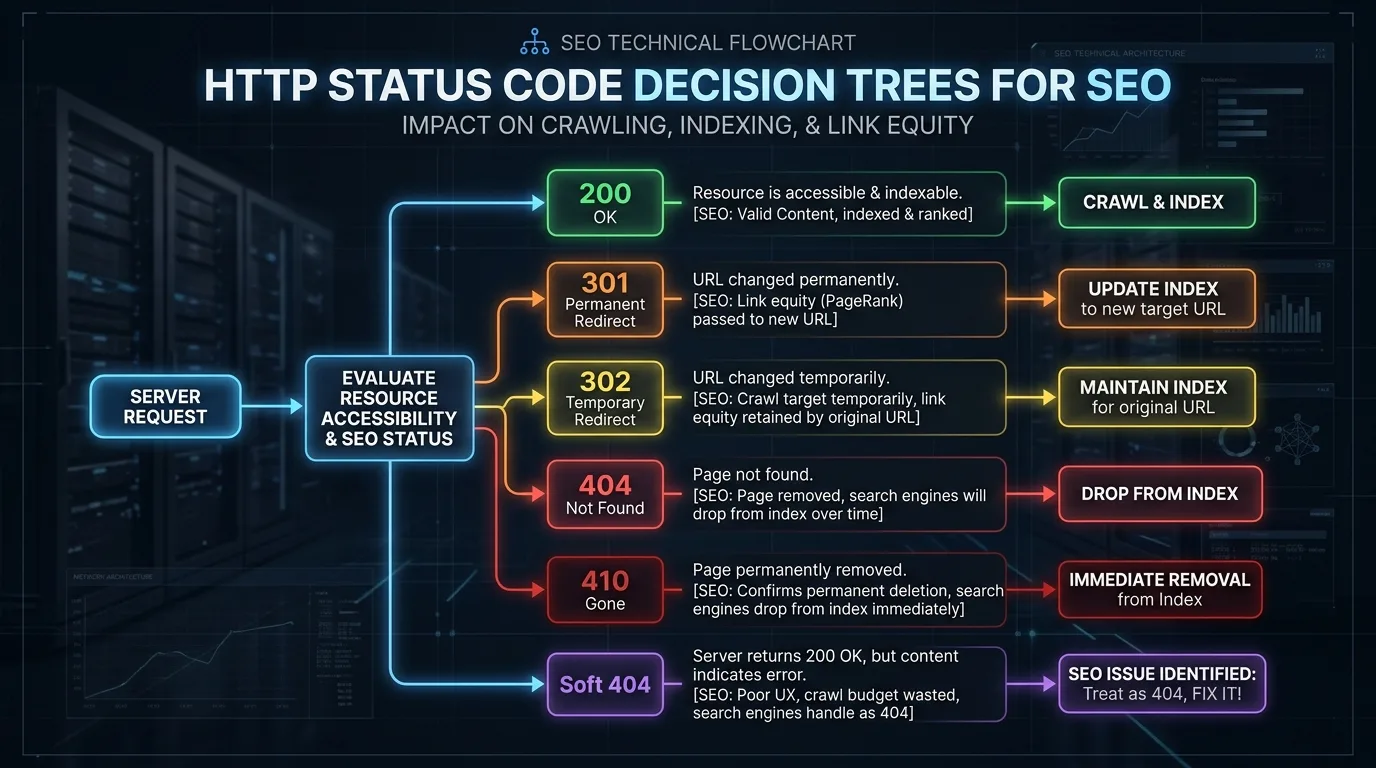
Figure 4: Client-Side Routing & HTTP Status Codes Decision Tree — Preventing Soft 404s and Preserving Canonical Signals.
1. The Disaster of Pseudo-Links and Missing href Attributes
Googlebot extracts links exclusively by parsing HTML anchor elements with valid destination URLs: <a href="/destination">. Frontend developers frequently build pseudo-links using button elements or click handlers:
<!-- INCORRECT: Googlebot CANNOT follow or discover these links -->
<div onClick={() => router.push('/pricing')}>View Pricing</div>
<a onClick={navigateToProduct}>Product Tour</a>
<a href="#void" onClick={goToDetails}>Details</a>

<!-- CORRECT: Full HTML anchor standard that Googlebot crawls seamlessly -->
<a href="/pricing">View Pricing</a>
<Link href="/product-tour">Product Tour</Link>
2. The Soft 404 Crisis in Client-Side Applications
When a user navigates to a non-existent URL in a pure CSR application, the web server returns HTTP status 200 OK with the main SPA JavaScript bundle. The bundle executes in the browser, realizes the route does not exist, and dynamically renders a “Sorry, Page Not Found” message. Because the server responded with HTTP 200, Googlebot classifies the page as a Soft 404, wasting crawl budget and diluting domain index quality. Every missing resource must return an authentic HTTP 404 status code from the initial server response.
3. Internationalization (i18n) and Hreflang in Dynamic SPAs
In client-side localized SPAs, frontend code frequently inspects navigator.language to dynamically switch language copy without changing the URL. This practice completely blinds search engines to foreign language content. Googlebot always crawls from US IP addresses with standard English headers. To rank internationally, every language variant must possess a discrete URL (e.g., /es/, /de/) with bidirectional hreflang annotations rendered in the server-side HTML.
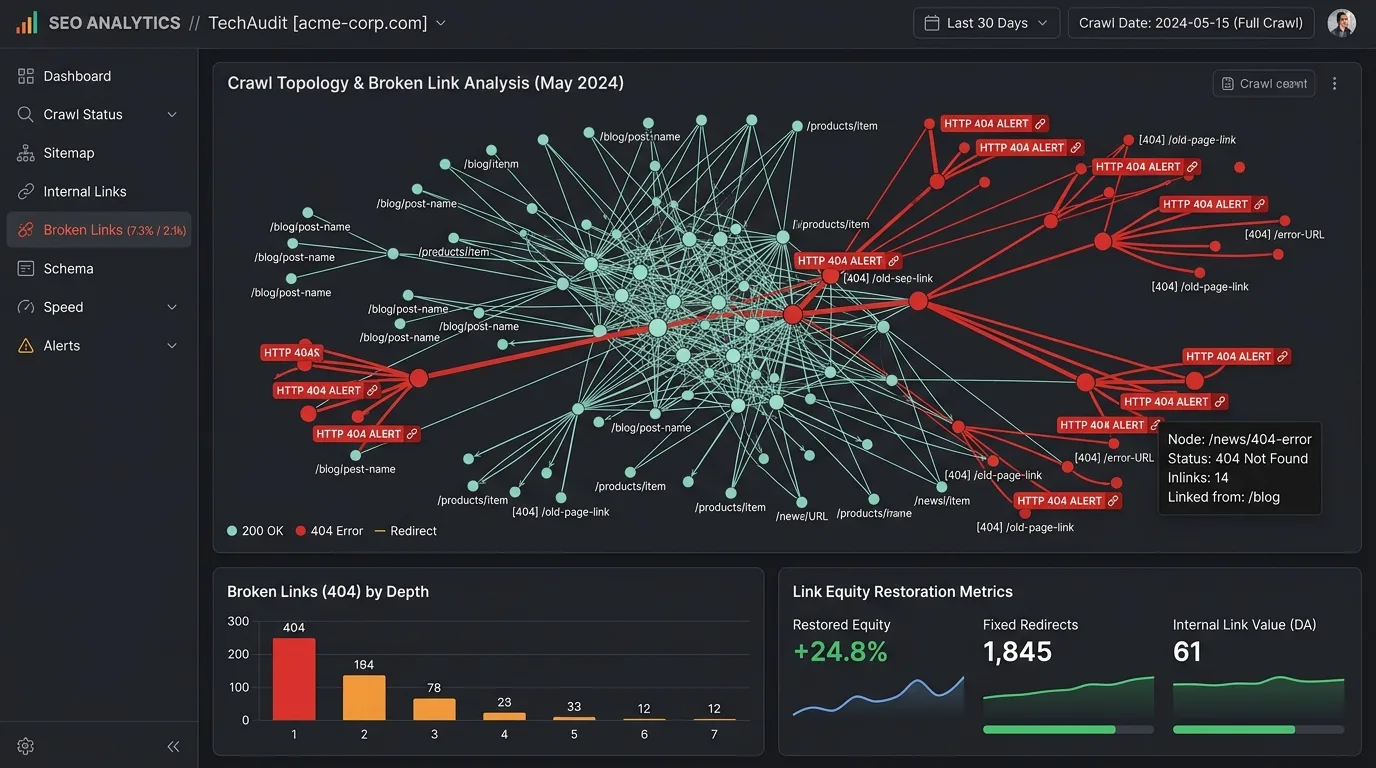
Chapter 5: Debugging JavaScript SEO in Chrome DevTools
To inspect what search engines see, technical SEOs must master Chrome DevTools to audit rendered DOM states against initial server responses.
1. Raw Source Code vs. Rendered DOM Inspection
Never rely on “View Source” (Ctrl+U) alone to evaluate modern sites. View Source displays the raw HTTP payload sent by the web server (Wave 1). Inspect Element (F12) displays the live, rendered DOM tree after JavaScript execution and hydration (Wave 2). By diffing the text content between the raw source and rendered DOM, you can immediately identify content that depends on client-side rendering.
2. Testing without JavaScript Execution
Open Chrome DevTools, press Ctrl+Shift+P (Command Palette), and type “Disable JavaScript”. Reload the page. If the page renders as a blank white screen or loses all primary text and navigation links, your platform is completely vulnerable to rendering queue delays and non-Chromium search crawlers (such as social media preview bots, DuckDuckGo, and specialized search engines).
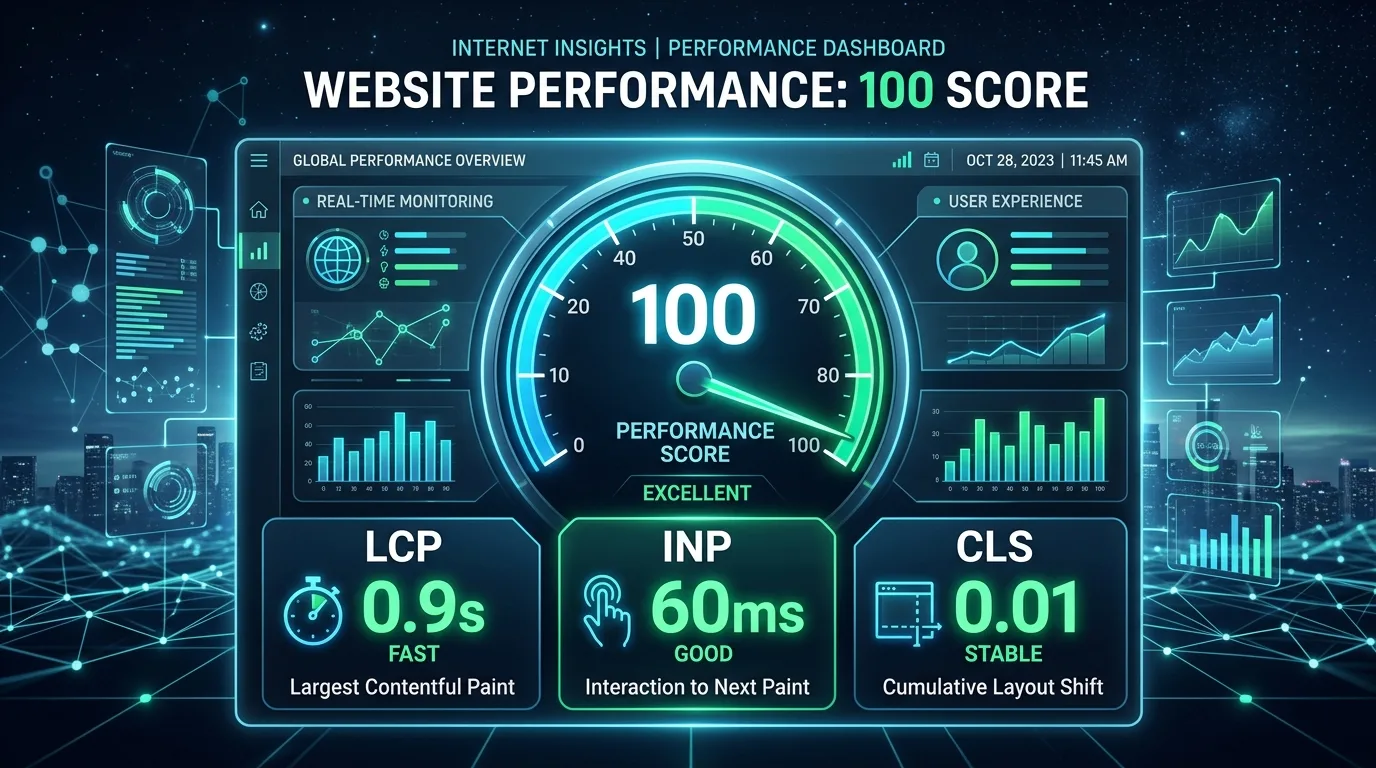
Chapter 6: Edge SEO & Dynamic Prerendering with Cloudflare Workers
For legacy monolithic applications or complex SPAs where re-architecting to Next.js or Nuxt is cost-prohibitive, enterprise teams deploy Edge Prerendering via Cloudflare Workers. The Worker intercepts incoming HTTP requests at the CDN edge: if the visitor is a regular human user, it passes the request through to the client-side SPA; if the visitor is a verified search bot, it routes the request to a headless rendering cache.
// Cloudflare Worker: Edge SEO Prerendering Router
export default {
  async fetch(request, env, ctx): Promise {
    const userAgent = request.headers.get('user-agent') || '';
    const botPattern = /googlebot|bingbot|yandex|baiduspider|twitterbot|facebookexternalhit|rogerbot|linkedinbot|embedly|quora link preview|showyoubot|outbrain|pinterest\/0\.|slackbot|vkShare|W3C_Validator/i;

    const isBot = botPattern.test(userAgent);
    const url = new URL(request.url);

    // Bypass prerender service for static assets and API routes
    if (url.pathname.match(/\.(css|js|webp|png|jpg|svg|woff2|json)$/) || url.pathname.startsWith('/api/')) {
      return fetch(request);
    }

    if (isBot) {
      const prerenderUrl = `https://service.prerender.io/${request.url}`;
      const prerenderRequest = new Request(prerenderUrl, {
        headers: new Headers({
          'User-Agent': userAgent,
          'X-Prerender-Token': env.PRERENDER_API_TOKEN,
        }),
      });

      const cachedResponse = await caches.default.match(request);
      if (cachedResponse) return cachedResponse;

      const botResponse = await fetch(prerenderRequest);
      ctx.waitUntil(caches.default.put(request, botResponse.clone()));
      return botResponse;
    }

    return fetch(request);
  },
};
Edge SEO Warning:
Ensure that the prerendered HTML served to Googlebot matches the exact content and structural layout served to human users. Serving fundamentally different content or deceptive text to search bots constitutes cloaking, which triggers severe Google manual action penalties.
2. Edge Cache Invalidation and Webhook-Driven SWR Protocols
Prerendering HTML at the CDN edge introduces cache staleness risks. If an editorial team updates a high-priority article, the edge worker must not serve obsolete HTML to Googlebot. Implement automated cache-purge webhooks connected to your headless CMS:
- Surrogate-Key / Tag-Based Purging: Attach custom
Cache-Tagheaders (e.g.,post-105,category-javascript-seo) to edge cached responses. When content updates occur, trigger Cloudflare API purge requests by tag rather than purging the entire CDN zone. - Stale-While-Revalidate (SWR) for Bots: Configure the edge worker to serve cached HTML immediately to Googlebot while triggering an asynchronous background revalidation fetch to refresh the edge cache for subsequent crawlers.
Chapter 7: Dynamic JSON-LD Schema Generation in JavaScript Frameworks
Structured data (JSON-LD) provides the semantic translation layer between your application code and search engine knowledge graphs. In modern reactive frameworks, schema injection requires careful architectural boundaries:
1. Server-Side Schema Baking vs. Client DOM Mutation
Injecting JSON-LD via client-side DOM manipulation (e.g., appending a <script type="application/ld+json"> element inside a useEffect hook) forces Googlebot to wait for Wave 2 execution. If the rendering engine encounters a timeout, your rich snippets, breadcrumbs, and author entity markup will fail to index. Always serialize and render JSON-LD directly into the server component HTML markup:
// app/blog/[slug]/schema.tsx - Server Component JSON-LD Injection
import React from 'react';

export function ArticleJsonLd({ post }: { post: any }) {
  const schema = {
    '@context': 'https://schema.org',
    '@type': 'TechArticle',
    'headline': post.title,
    'description': post.excerpt,
    'url': `https://seobeen.com/blog/${post.slug}`,
    'datePublished': post.published_at,
    'author': {
      '@type': 'Organization',
      'name': 'SeoBeen Technical Research',
      'url': 'https://seobeen.com'
    }
  };

  return (
    <script
      type="application/ld+json"
      dangerouslySetInnerHTML={{ __html: JSON.stringify(schema) }}
    />
  );
}
Chapter 8: Automated JavaScript SEO Testing in CI/CD with Playwright
Regressions in JavaScript SEO often occur silently when frontend developers refactor layout wrappers or update bundler configurations. Integrating automated DOM assertion scripts into your GitHub Actions or GitLab CI/CD pipelines ensures broken links, missing meta tags, or hydration failures never reach production.
// tests/seo-hydration-audit.spec.ts - Automated Playwright SEO Pipeline
import { test, expect } from '@playwright/test';

test.describe('JavaScript SEO & Hydration Integrity Audits', () => {
  test('Verify SSR Content Exists in Raw HTML Before Hydration', async ({ request }) => {
    // Fetch raw server-rendered HTML (Wave 1)
    const response = await request.get('https://seobeen.com/blog/definitive-guide-javascript-seo');
    expect(response.status()).toBe(200);

    const rawHtml = await response.text();
    // Assert critical H1 and content exist in raw HTML payload
    expect(rawHtml).toContain('The Definitive Guide to JavaScript SEO');
    expect(rawHtml).toContain('<link rel="canonical"');
  });

  test('Verify Hydrated DOM Contains Zero Console Errors and Clean Anchor Tags', async ({ page }) => {
    const consoleErrors: string[] = [];
    page.on('console', (msg) => {
      if (msg.type() === 'error') consoleErrors.push(msg.text());
    });

    await page.goto('https://seobeen.com/blog/definitive-guide-javascript-seo', {
      waitUntil: 'networkidle',
    });

    // Assert no React hydration mismatch warnings
    const hydrationErrors = consoleErrors.filter(err =>
      err.toLowerCase().includes('hydration') || err.toLowerCase().includes('did not match')
    );
    expect(hydrationErrors.length).toBe(0);

    // Verify all internal links have valid href attributes
    const allAnchors = await page.locator('a').all();
    for (const anchor of allAnchors) {
      const href = await anchor.getAttribute('href');
      expect(href && href !== '#' && !href.includes('void(0)')).toBeTruthy();
    }
  });
});
Chapter 9: The JavaScript SEO Enterprise Audit Checklist
Before launching or refactoring a modern web application, execute this comprehensive 6-point verification matrix:
| Audit Vector | Technical Standard Required | Failure Symptom | Remediation Action |
|---|---|---|---|
| Server Render Completeness | 100% of body copy, headings, and schema present in initial raw HTML payload. | Blank page when JavaScript is disabled in browser. | Migrate critical marketing routes to Next.js SSR/SSG Server Components. |
| Hydration Stability | Zero React hydration warnings or DOM re-creations in browser console. | Layout shift (CLS) and frozen main thread during mount. | Ensure browser-only APIs execute exclusively inside useEffect or dynamic imports with ssr: false. |
| HTTP Status Code Fidelity | Server emits authentic 404 / 410 / 301 headers on initial HTTP response. | Soft 404 warnings reported in Google Search Console. | Use Next.js notFound() or edge redirect middlewares to emit real HTTP status codes. |
| Anchor Navigation | All clickable navigation elements use standard <a href="..."> tags. |
Sub-pages remain undiscovered and orphan in crawl audits. | Replace programmatic router.push click triggers with semantic Link wrappers. |

Ratings & reviews
No reviews yet. Be the first.