
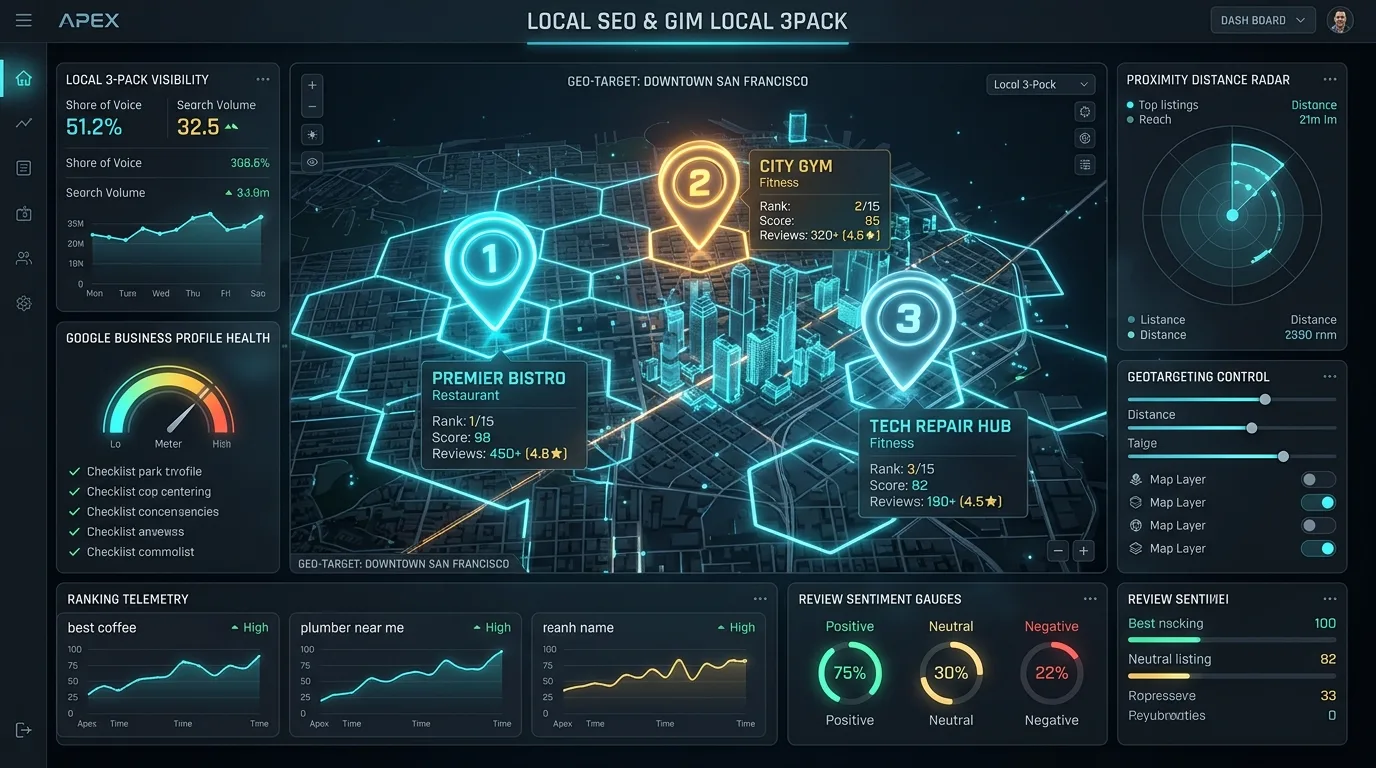
For local businesses, multi-location franchises, and professional service providers, a verified Google Business Profile (GBP) is the undisputed epicenter of customer acquisition. A top-3 placement in Google's Local Map Pack routinely generates more inbound telephone calls, direction requests, and high-margin foot traffic than all organic desktop search results combined. Yet, securing and maintaining verification has evolved into one of the most frustrating, opaque, and strictly enforced gauntlets in modern digital marketing.
The days of trivially claiming a business address via a mailed 5-digit postcard are officially over. In response to rampant lead-generation spam and fake virtual office listings, Google has deployed automated smartphone video audits, strict GPS location telemetry, and aggressive algorithmic suspensions. A single discrepancy between your legal corporate documents and your profile settings can trigger an instant suspension that freezes your business revenue overnight.
1. The New Verification Era: Why Google Deprecated Postcards for Algorithmic Video Audits
Historically, Google verified local listings primarily through physical postcards mailed to the business address. While simple, this mechanism was violently exploited by unscrupulous marketers who rented virtual mailboxes, UPS Store PO boxes, or co-working space addresses to spin up hundreds of ghost storefronts across metropolitan areas.
To eliminate location fraud, Google has systematically deprecated postcards in favor of Smartphone Video Verification and Live Interactive Video Calls. When an owner or agency attempts to verify a profile in 2026, Google's algorithm evaluates the risk profile of the business category (high-spam categories such as locksmiths, garage door repair, personal injury lawyers, and water damage remediation face maximum scrutiny) and assigns an automated verification requirement.
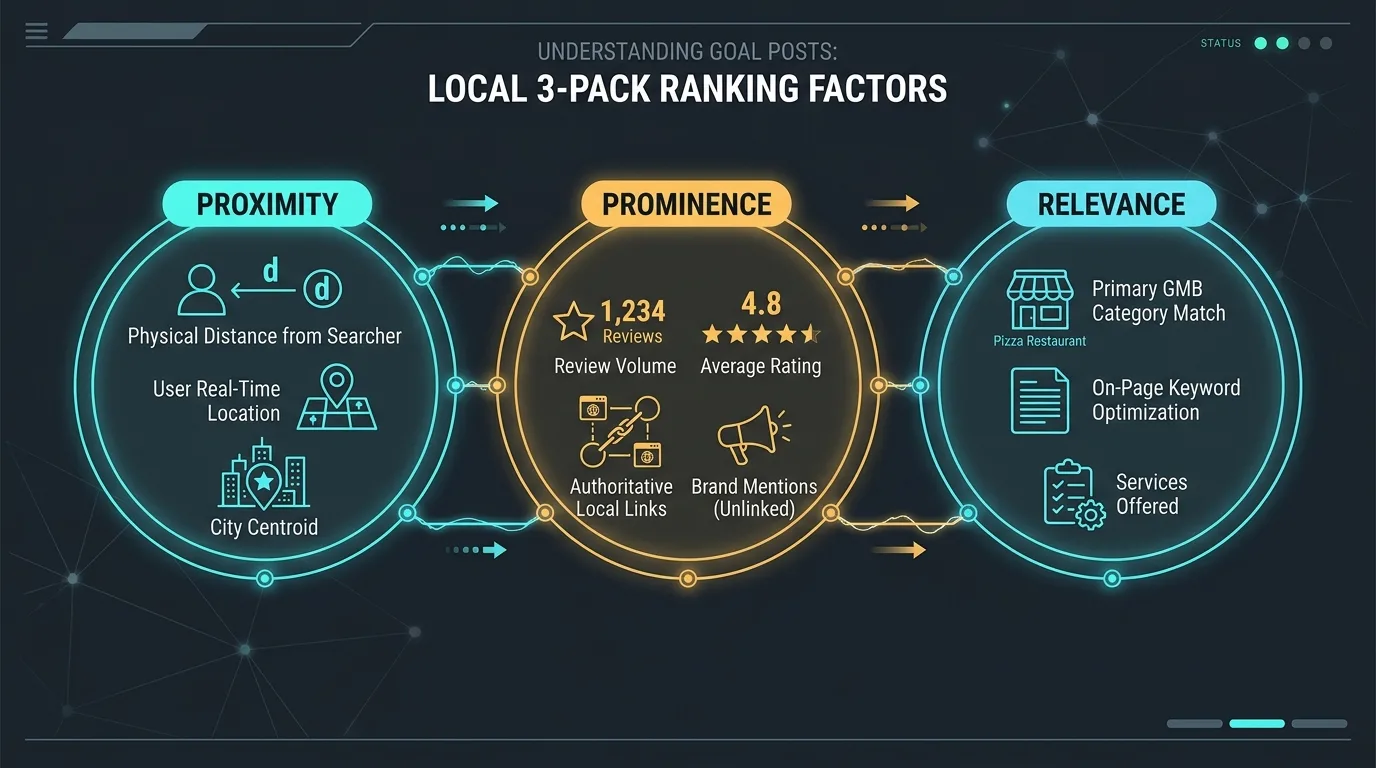
The transition to video verification relies heavily on mobile device telemetry: Google captures real-time GPS coordinates, cellular tower triangulation, Wi-Fi BSSID signals, and continuous video metadata to mathematically prove that the person recording the video is physically standing inside an operational, branded commercial facility.
| Verification Method | Processing Time | Failure & Rejection Risk | Primary Evidence Required | Eligible Business Types |
|---|---|---|---|---|
| Automated Video Upload | 1 to 5 business days | High (45%+ failure rate on first attempt) | Uncut continuous video showing street signs, exterior signage, and interior operations. | Standard physical storefronts and hybrid businesses. |
| Live Video Call with Google Agent | Same day (Post-scheduling) | Moderate | Live interactive smartphone inspection with a Google specialist; physical lease and license inspection. | High-risk categories or profiles stuck in automated video loops. |
| Instant Domain Email Verification | Instant (Minutes) | Extremely Low | Verification via corporate Google Workspace email matching a verified Google Search Console domain. | Established enterprise domains with deep web authority. |
| Enterprise Bulk Verification | 2 to 6 weeks | Low (Once approved) | Master corporate spreadsheet, corporate email domain, store locator URL on canonical domain. | Franchises and multi-location retail brands with $\ge 10$ physical stores. |
For brands operating at enterprise scale across dozens or hundreds of regional markets, coordinate with our blueprint on multi-location enterprise local SEO to streamline regional presence.
2. Preparing for the Live Smartphone Video Verification: The 3 Unbroken Evidence Requirements
The single most common reason video verifications fail is fragmented evidence. Many business owners record a video showing only their office desk or a close-up of a business card. Google's algorithmic video scanner automatically rejects such submissions.
To guarantee first-time approval, your video must be recorded in one single, continuous, unbroken take (no video cuts, splices, or post-production edits) and must definitively demonstrate three distinct categories of physical proof within a 90 to 120-second timeframe:
Evidence Requirement 1: Location & Exterior Environment
- Begin recording outside on the public street. Pan across the street name signs, municipal building numbers, and neighboring retail storefronts.
- Capture the official exterior building signage displaying your exact business name as registered in GBP. Temporary banners, printed paper taped to doors, or chalkboards are immediately rejected.
- Walk continuously from the exterior sidewalk through the main public entrance of the building.
Evidence Requirement 2: Physical Equipment & Operations
- Show that the business is actively operational, not an empty shell or shared mailbox.
- Capture specialized commercial equipment: POS checkout terminals, inventory shelving, branded uniforms, commercial workstations, or trade tools (e.g., diagnostic machinery, medical devices, salon chairs).
- Walk into employee-only areas (behind the counter, breakrooms, or storage bays) to prove you are not an unauthorized visitor recording a lobby.
Evidence Requirement 3: Proof of Ownership & Management Access
- Capture the physical unlocking of the exterior door using a physical metal key or keycard.
- Open a locked cash register, POS system, or commercial safe.
- Log into the business workstation terminal or POS software, showing the administrative dashboard.
- Display an official utility bill, commercial lease agreement, or municipal business tax license matching the exact registered business name and address.
Ensure your smartphone is connected to the business Wi-Fi network rather than cellular data, and verify that High-Accuracy Location Services (GPS) are fully enabled on your mobile browser before initiating the recording. Google validates the Wi-Fi router BSSID against known physical geolocation databases.
3. Service Area Businesses (SAB) vs Physical Storefronts: Avoiding Verification Rejection
One of the most dangerous traps in local SEO is misclassifying your business model. Google enforces a strict separation between Storefront Businesses (where customers visit your physical facility during declared operating hours) and Service Area Businesses (SAB) (where you travel to customer locations to perform services, such as plumbers, roofers, mobile detailers, and consultants).
The Residential Address Fatal Error
If you operate a home-based business or service company out of a residential property, you must hide your physical address in your GBP dashboard. Setting your residential address as a public storefront is a direct violation of Google Business Profile guidelines.
When Google's Street View vehicles or algorithmic satellite imagery scan an address and detect a single-family home or residential apartment complex without prominent permanent commercial zoning signage, the listing is automatically suspended for "Deceptive Content." As an SAB, you clear the street address field, define your operational radius by postal codes or municipalities, and verify by recording your branded commercial vehicle, tools, and registration paperwork.
4. Overcoming Verification Loops: What to Do When Video Uploads Fail or Get Stuck in Processing
A widespread technical nightmare is the dreaded "Verification Video Processing Loop." An owner uploads a pristine 100-second video; the GBP dashboard displays "Video processing" for 10 days, only to suddenly revert to "Get Verified" without providing any error message or rejection reason.
The Escalation Protocol for Verification Loops
- Verify Google Search Console Integration: Ensure the Google account managing your GBP is also a verified Owner of the official website in Google Search Console. Strong GSC domain authority dramatically reduces automated video processing delays.
- Scrub Device Cache and Browser Telemetry: Delete cached data in the Google Maps mobile app and mobile Chrome browser. Attempting repeat uploads on a saturated device cache frequently causes HTTP 499 client timeout errors during large video uploads.
- Request a Live Agent Video Inspection: If automated video upload fails twice, navigate to the official Google Business Profile Help Center. Select your profile $ ightarrow$ type "Verification video failed" $ ightarrow$ choose "Fix verification issues" $ ightarrow$ request a live video appointment. A live inspection with a human Google representative resolves 90% of technical loops on the spot.
5. Deciphering GBP Suspensions: Soft Suspensions vs Hard Suspensions
Receiving an email stating "Your Business Profile has been suspended due to policy violations" is catastrophic. However, before panicking, you must determine whether you are dealing with a Soft Suspension or a Hard Suspension.
| Suspension Dimension | Soft Suspension | Hard Suspension |
|---|---|---|
| Public SERP & Map Visibility | Remains Visible on Google Maps and search results. | Completely Removed; listing vanishes from Google Maps entirely. |
| Dashboard Control | Owner loses management access; status reads "Suspended" or "Unverified". | Owner access locked; listing de-indexed; reviews inaccessible. |
| Primary Root Cause | Suspicious manager account activity, minor NAP edits, ownership dispute. | Severe guideline violation: fake address, keyword stuffing in business name, virtual office. |
| Recovery Complexity | Low to Moderate (Typically resolved by re-verifying ownership). | High (Requires a formal legal reinstatement appeal dossier). |
The 5 Most Frequent Suspension Triggers
- Keyword Stuffing the Business Name: Adding geographic modifiers or services to your official business name (e.g., changing "Smith Law Firm" to "Smith Law Firm - Best Chicago Car Accident Lawyer"). Your GBP name must match your legal business filing and physical signage character-for-character.
- Address Alteration: Changing your physical street address triggers immediate re-verification and frequently triggers automated security suspensions.
- Category Churn: Rapidly toggling between disparate primary categories within a 48-hour period signals automated manipulation.
- Tainted User Account: Adding a manager or agency Google account that was previously associated with spammy, suspended, or flagged listings elsewhere infects your profile through algorithmic guilt-by-association.
- Virtual Offices and Co-Working Desks: Registering an address at a Regus, WeWork, or shared mailbox facility without having a dedicated, permanently leased private office featuring permanent exterior signage.
6. The Reinstatement Appeal Playbook: Crafting Evidence Dossiers That Support Staff Accept
Never submit a rushed, emotional one-sentence appeal stating "Please unban us, we are a real business." Google gives you one primary chance to appeal via the official Appeals Tool. If your first appeal is rejected, subsequent appeals are routed to low-priority queues with weeks-long response times.
Your reinstatement submission must take the form of an Enterprise Evidence Dossier assembled as a unified, organized PDF document containing five incontrovertible legal artifacts:
- Official Secretary of State Corporate Registration: State business registration certificate, LLC formation articles, or Certificate of Good Standing showing the exact legal business name and registered address.
- Municipal Business License or Professional Permit: City or county tax receipt, medical board license, contractor license, or state professional certification.
- Official Commercial Utility Bill: A recent electric, gas, water, or landline telecommunications invoice showing the exact business name and service address (mobile phone bills and credit card statements are rejected).
- Complete Commercial Lease Agreement: The signed physical commercial lease demonstrating exclusive tenancy of the office suite.
- Photographic Exterior and Interior Portfolio: High-resolution photos of the building directory board, suite door signage, permanent exterior monument sign, and employee workstations.
Accompany the PDF with a concise, respectful cover letter acknowledging any inadvertent formatting errors (e.g., removing extra keywords from the title field) and confirming complete compliance with Google's guidelines.
7. Managing Bulk Verification for Enterprise Multi-Location Brands (10+ Locations)
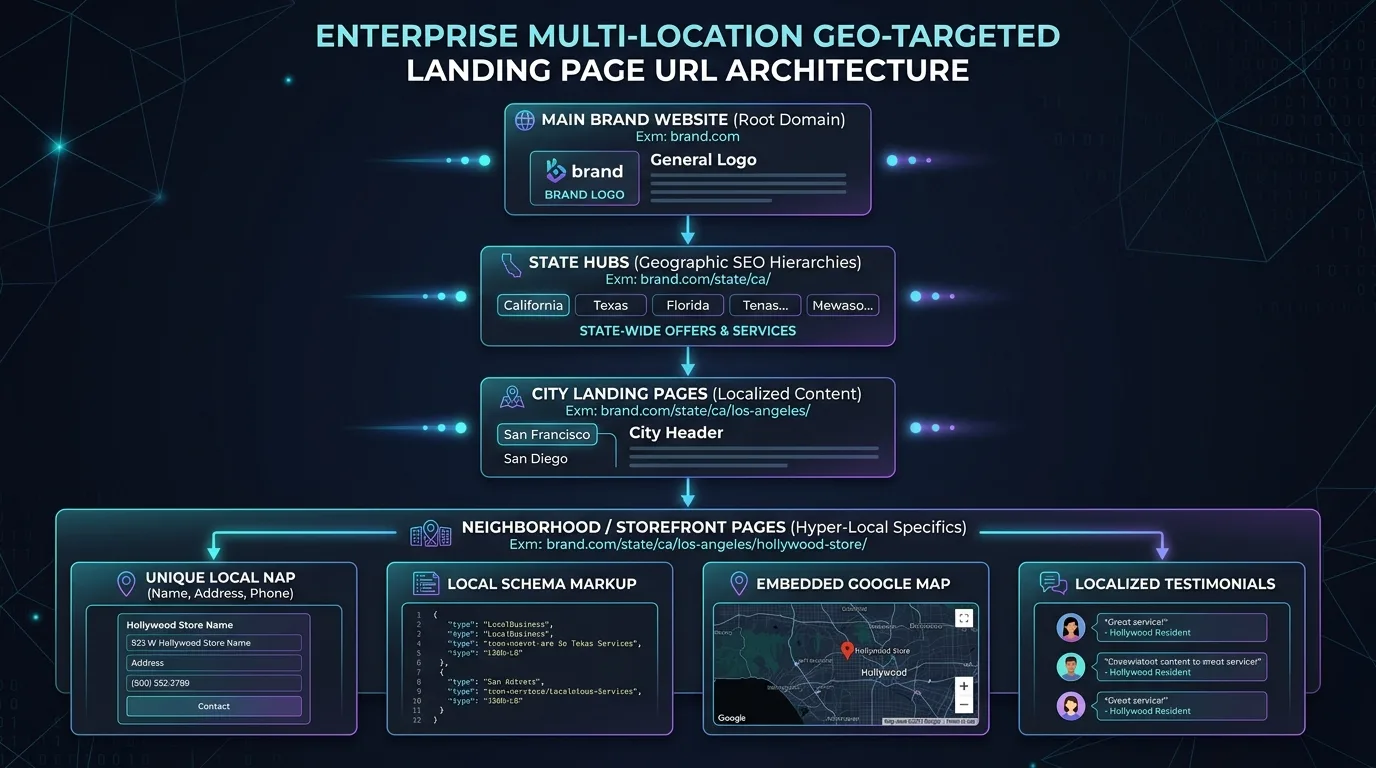
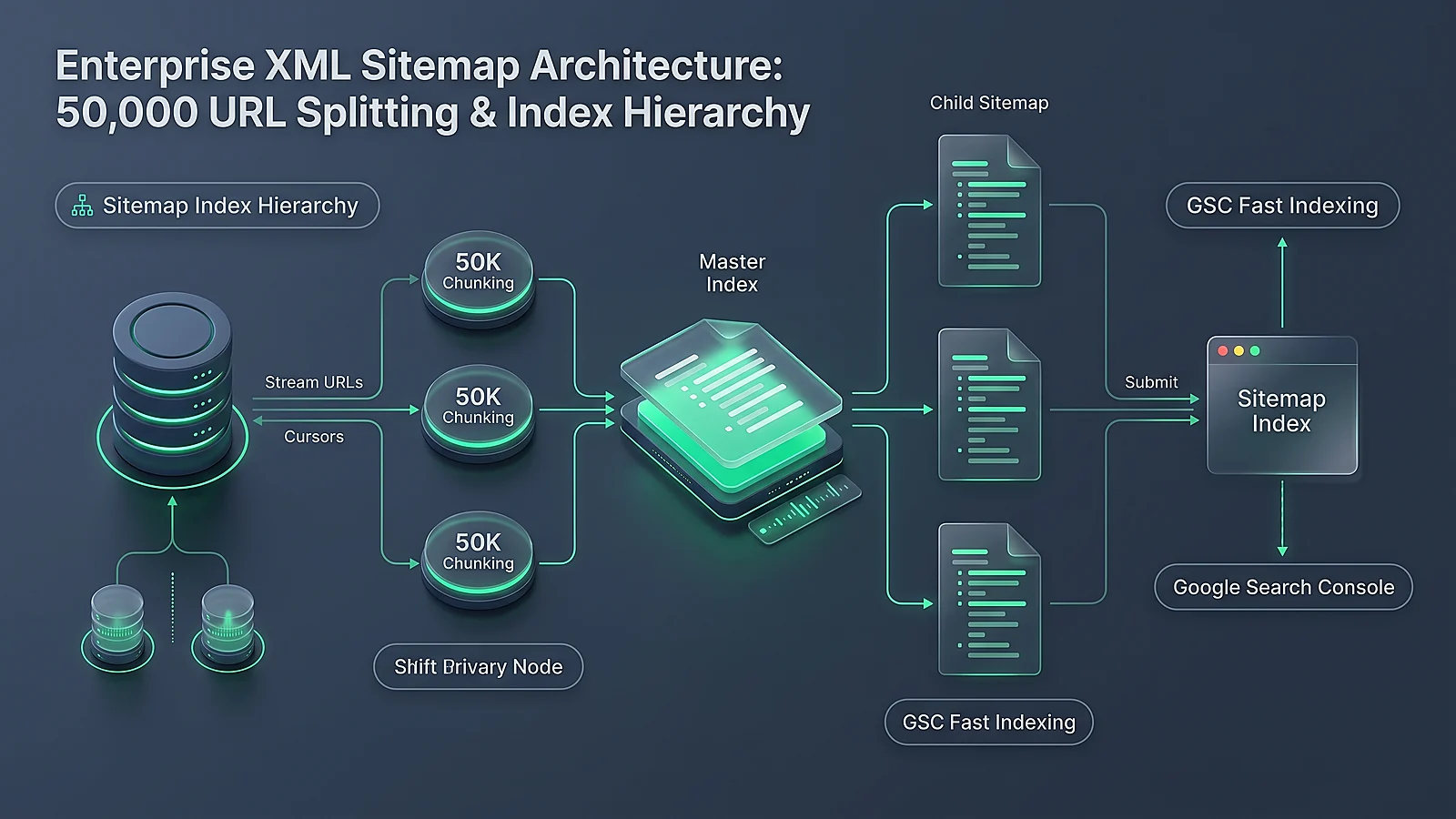
For national retail chains, franchise systems, and hospital networks operating 10 or more locations, verifying individual locations via smartphone videos is operationally impossible. Google provides a dedicated solution: Bulk Verification.
Prerequisites for Enterprise Bulk Verification
- The enterprise must operate at least 10 physical locations of the exact same business brand (Service Area Businesses are ineligible for bulk verification).
- The Google Account must use a corporate domain email address (e.g.,
seo@target.com), never a generic@gmail.comaddress. - The primary corporate website must feature a public, crawlable Store Locator where every individual location has a dedicated canonical URL displaying matching Name, Address, and Phone (NAP) details.
Once bulk status is granted, new locations added to your corporate spreadsheet or API integration are verified instantly without postcard or video audits, providing massive deployment velocity for enterprise expansion.
8. NAP Consistency & Data Aggregator Synchronization: Fulfilling Google's Third-Party Triangulation
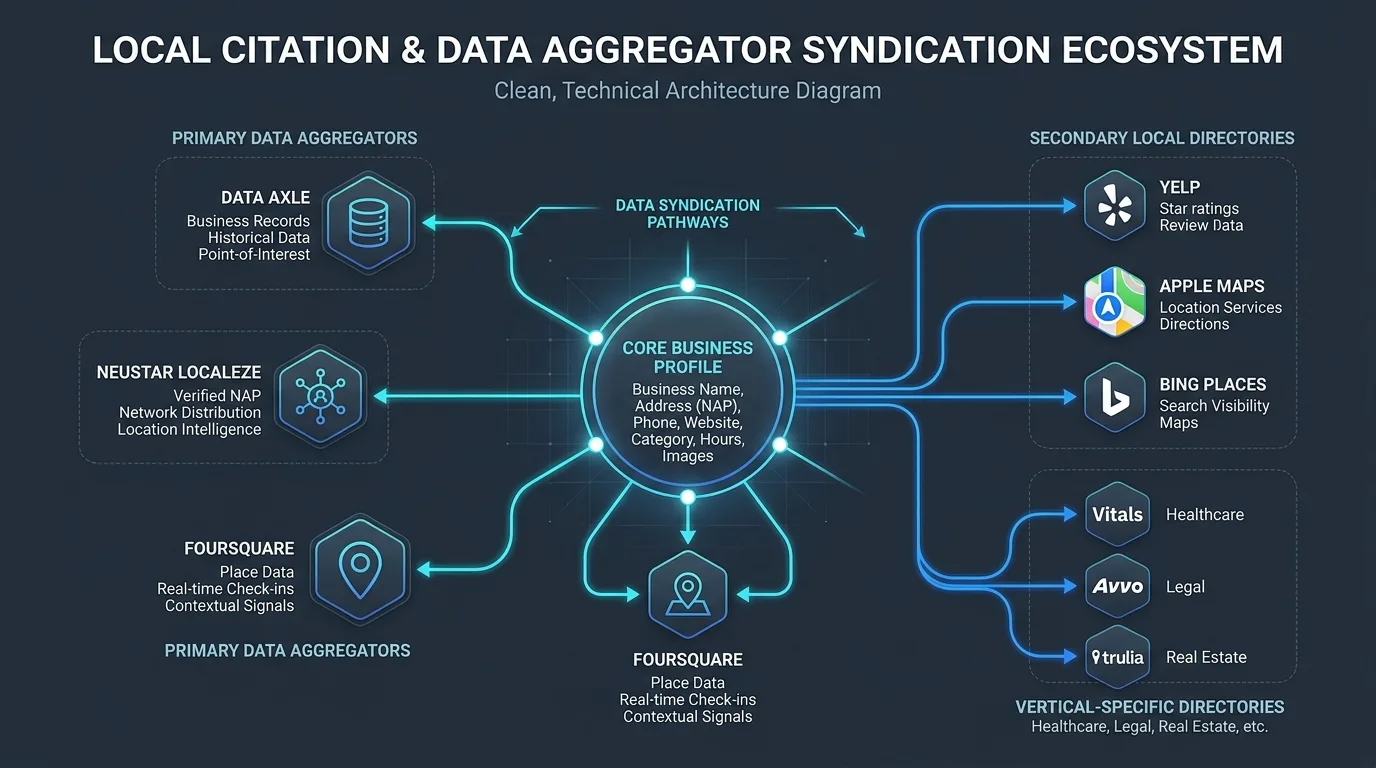
Google's local algorithms do not trust your Google Business Profile data in isolation. Google continuously cross-references your business information against major Tier-1 Data Aggregators (Data Axle, Neustar Localeze, Foursquare) and premier directory networks (Yelp, Apple Maps, Bing Places, YellowPages).
If your address is listed as "Suite 400" on GBP, but appears as "Suite 4B" on Data Axle, and "Ste 400" on your official website, Google's entity disambiguation engine registers conflicting signals. This subtle inconsistency erodes local ranking confidence.
Ensure that your website implements clean, valid Schema.org LocalBusiness structured data that mirrors your verified GBP profile with mathematical precision. To learn how Schema.org properties feed into Google's entity understanding, review our master guide on entity-based SEO and Knowledge Graph disambiguation.

9. Primary Category Selection & Secondary Category Stacking for Maximum Map Pack Visibility
Among all on-profile ranking factors, your Primary Category is the single most influential determinant of local search visibility. Google utilizes the primary category as the root taxonomic node for evaluating keyword relevance.
The Category Stacking Architecture
To maximize your local reach without diluting core relevance:
- Select the Most Specific Primary Category: If you are an orthodontic clinic, set your primary category to
Orthodontist, not genericDentist. Businesses using specific primary categories rank significantly higher for high-intent queries than those using broad parent categories. - Stack Supporting Secondary Categories: Add up to 9 secondary categories that reflect genuine revenue-generating service lines (e.g.,
Dentist,Cosmetic Dentist,Teeth Whitening Service,Dental Clinic). - Avoid Category Contradictions: Never stack unrelated categories (e.g., adding
Coffee Shopto aLaw Firmprofile because you offer free espresso in the waiting room). Conflicting taxonomies confuse Google's entity matching algorithms.
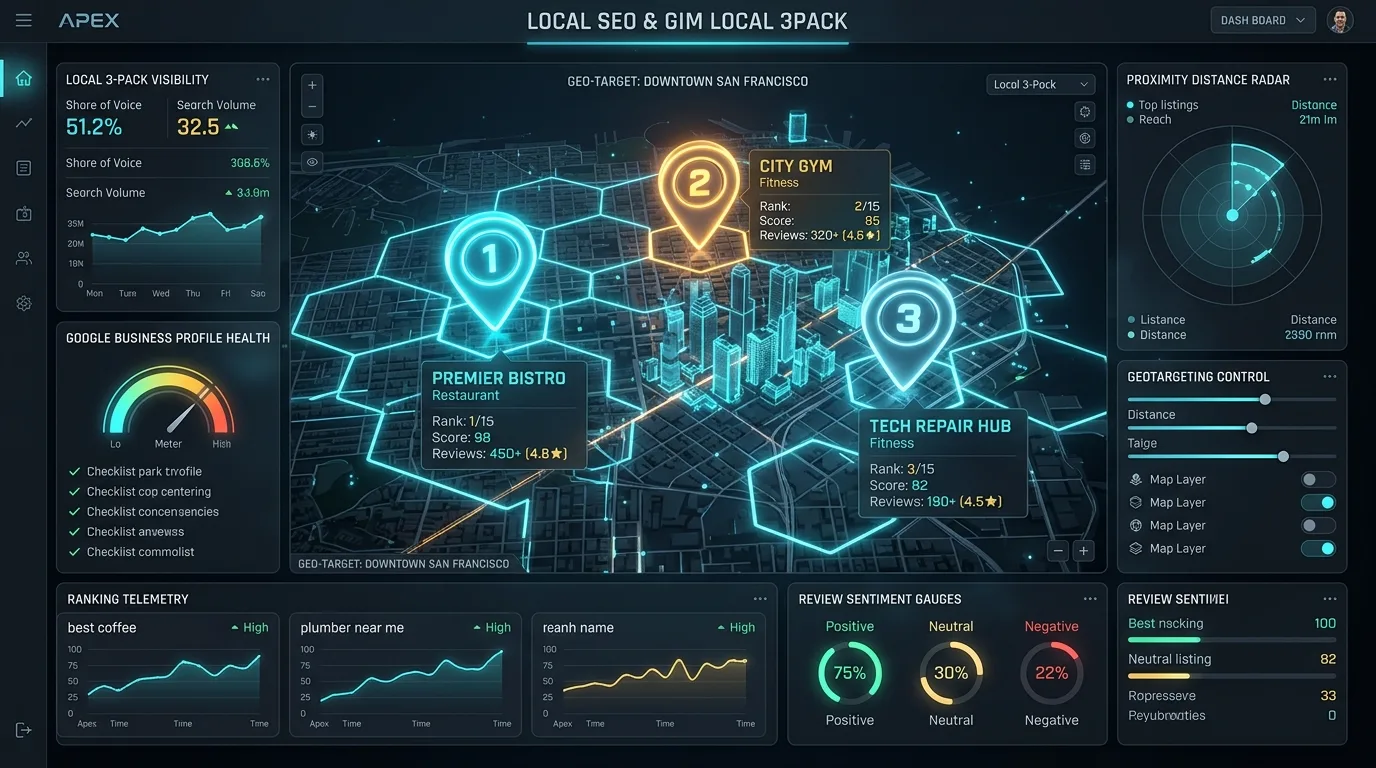
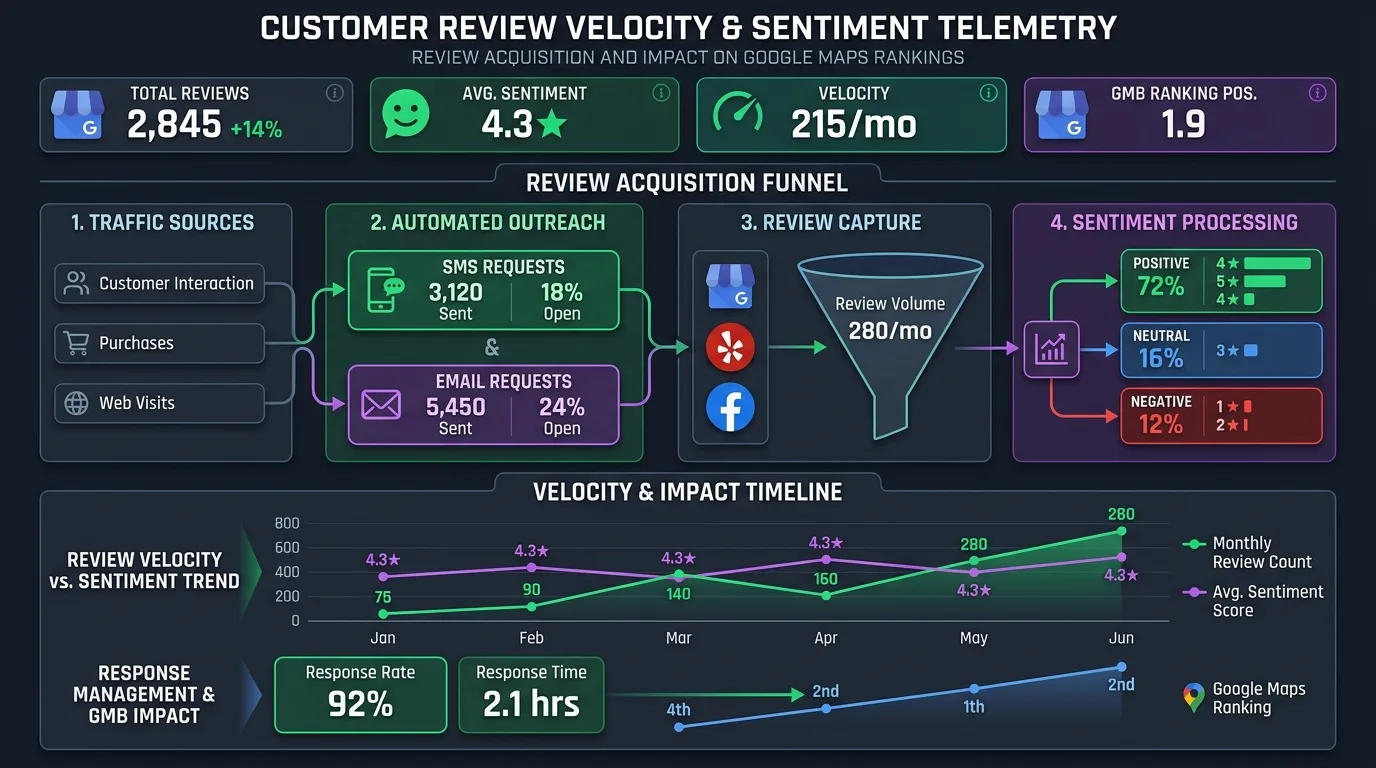
Pair strong category architecture with continuous customer review velocity. As shown in Figure 4, profiles that maintain steady review acquisition paired with detailed customer sentiment signals achieve unbreakable dominance in competitive local 3-packs.
10. Frequently Asked Questions
Explore authoritative answers to critical operational questions regarding Google Business Profile verification, appeals, and suspension recoveries.
Can I use a P.O. Box or UPS Store address for Google Business Profile?
No. Google strictly prohibits P.O. Boxes, UPS Store mailboxes, and virtual office addresses. Attempting to verify a profile at a mail-receiving facility results in immediate algorithmic suspension. You must use a legitimate physical commercial location with permanent exterior signage, or register as a Service Area Business with your residential address hidden from public view.
How long does a Google Business Profile reinstatement appeal take?
Initial reviews through the Google Appeals Tool typically take 3 to 7 business days. If additional evidence is requested or if the case requires escalation to senior specialist teams, the process can extend to 2 to 4 weeks. Maintaining comprehensive, pre-assembled PDF documentation significantly accelerates review velocity.
What happens to our existing reviews if our profile is suspended?
During a Hard Suspension, all public reviews disappear from Google Maps along with the profile. However, the reviews are not deleted from Google's backend database. Once your reinstatement appeal is approved and the profile is restored, your complete review history, star ratings, and review responses will re-populate within 24 to 72 hours.
Can an agency verify a client's profile using the agency's Google account?
Best practice is for the business owner to create and verify the profile under their own corporate Google account first, and subsequently invite the agency as a Manager via the GBP Users dashboard. Profiles created directly by third-party agency accounts face substantially higher verification scrutiny and fraud flags.
Why did our profile ask for re-verification after we edited our phone number?
Core identity fields—including Business Name, Primary Category, Physical Address, and Primary Phone Number—are tightly monitored by Google's anti-spam algorithms. Altering any of these fields triggers an automated fraud detection check that frequently demands fresh video verification to prove the business did not change ownership.
What is the difference between a Manager and an Owner on GBP?
A Primary Owner holds absolute legal control over the profile, including the ability to delete the listing, transfer ownership, and manage user permissions. A Manager can edit business information, create posts, respond to reviews, and upload photos, but cannot delete the profile or remove the Primary Owner.
Can multiple businesses share the exact same physical address?
Yes, provided they are distinct, legitimate legal entities with separate suite numbers, dedicated exterior door signage, unique telephone numbers, and individual business licenses (e.g., independent medical practitioners operating inside a shared medical pavilion, or multiple auto service brands in a commercial auto mall).
How does Google verify Service Area Businesses if no address is shown?
Google verifies SABs by requiring smartphone video evidence of branded commercial vehicles, company equipment, contractor licenses, and business registration documents proving legal operation within the designated geographic territory.
Does adding keywords to our Google Business Profile description improve rankings?
No. Google has confirmed that the business description field does not directly influence Map Pack ranking algorithms. However, a compelling, professional description improves user conversion rates and telephone inquiries once searchers click to view your expanded profile.
Can we transfer reviews from an old business profile to a new location?
If your business physically relocated to a new address while retaining the same name, ownership, and services, Google Support can merge the profiles or transfer existing reviews to the new verified location upon submission of proof of address change.

Ratings & reviews
No reviews yet. Be the first.