
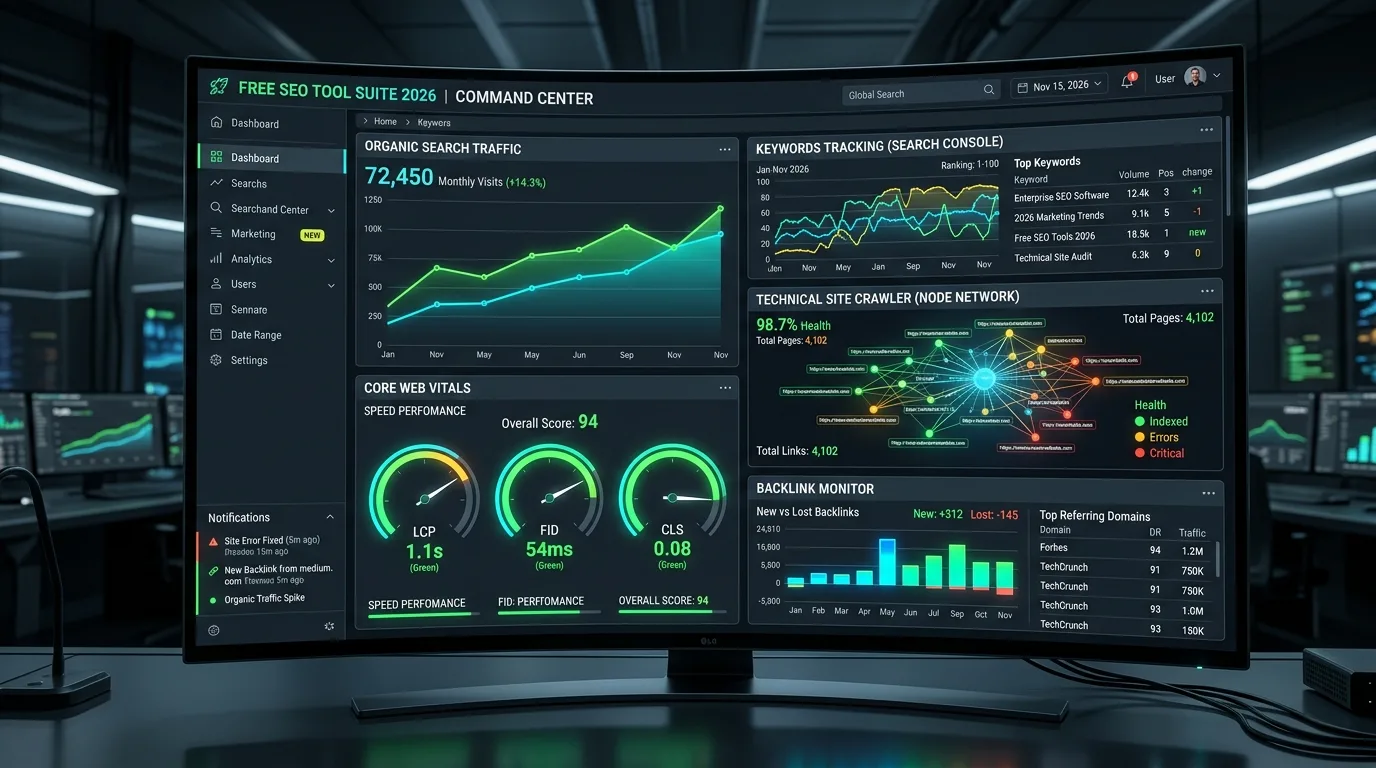
While third-party SEO platforms provide valuable competitive intelligence and estimated keyword metrics, there is only one authoritative, unadulterated source of truth regarding how Google perceives, crawls, indexes, and ranks your website: Google Search Console (GSC). Yet, the vast majority of digital marketers and webmasters barely scratch the surface of this enterprise data asset. By relying on basic date ranges and standard keyword filters, organizations remain blind to high-converting commercial intent patterns, silent keyword cannibalization, and critical indexation bottlenecks.
Unlike third-party SEO tools that estimate search volume based on modeled clickstream samples, Google Search Console delivers 100% empirical, first-party telemetry recorded directly at Google's search engine entry points. Mastering advanced regular expressions (Regex), automated API extraction, and index status diagnostics transforms GSC from a basic reporting dashboard into a predictive revenue optimization engine.
1. Google Search Console as the Single Source of Truth for Search Demand
In modern enterprise analytics, understanding the division between pre-click intent and post-click behavior is foundational. Webmasters frequently confuse Google Analytics 4 (GA4) with Google Search Console. While GA4 records what users do after they arrive on your site, GSC records the vast, un-sampled reality of how users search before they ever click.
Every time a user enters a query and a URL from your domain appears anywhere on the search engine results page (SERP)—even if positioned down at result #85—GSC records an Impression. When combined with Clicks, Click-Through Rate (CTR), and Average Position, GSC delivers an unparalleled diagnostic lens into search demand, brand visibility, and SERP real estate dynamics.
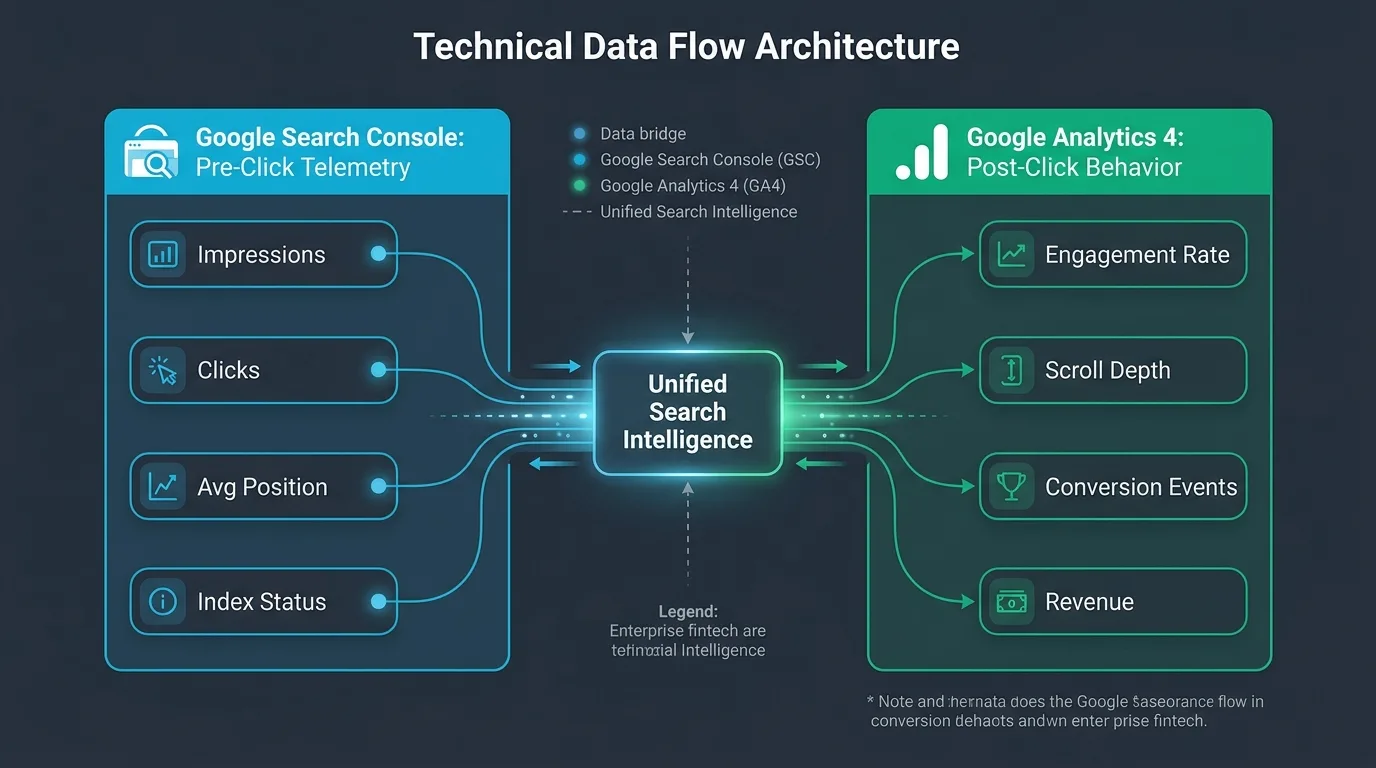
To maximize the business value of this data, technical teams must understand the architectural boundaries between these systems.
| Analytical Dimension | Google Search Console (GSC) | Google Analytics 4 (GA4) | Strategic Optimization Focus |
|---|---|---|---|
| Primary Measurement Focus | Pre-click SERP visibility, ranking positions, impressions | Post-click sessions, user paths, conversions, revenue | Bridge SERP intent to on-page conversion rate |
| Data Source & Tracking Method | Server-side Google search log files (Zero JS dependency) | Client-side JavaScript tag execution (Subject to ad blockers) | GSC provides absolute baseline crawl and demand volume |
| Keyword Visibility | Complete un-sampled query lists (minus privacy thresholds) | Extremely limited ("(not provided)" masks 98%+ of queries) | Use GSC to uncover exact user phrasing and intent modifiers |
| Historical Data Retention | 16 months via web UI (Infinite via BigQuery Bulk Export) | 14 months maximum event retention in standard property | Configure BigQuery daily exports to build multi-year archives |
| Crawl & Technical Telemetry | Host status, crawl stats, robots.txt, canonicalization status | None (Zero crawler visibility) | Diagnose Googlebot crawl traps and server health errors |
To examine how server logs complement Search Console metrics for deep technical diagnostics, review our master manual on the ultimate server log file analysis playbook.

2. The RE2 Regular Expression Engine: Syntax, Operators, and Limitations
When Google added Custom Regular Expression (Regex) support to the Performance report, it revolutionized how SEO professionals analyze query data. However, many practitioners encounter syntax errors or unexpected filter results because GSC does not utilize Perl-Compatible Regular Expressions (PCRE); it utilizes Google's open-source RE2 regular expression engine.
The RE2 engine was engineered specifically for predictable runtime latency and security. Unlike PCRE, RE2 deliberately prohibits complex constructs such as lookarounds (lookahead and lookbehind) and backreferences because they can trigger catastrophic backtracking and freeze computational threads. Understanding RE2 limitations is essential for writing valid GSC queries:
- Supported Operators: Standard wildcards (
.), quantifiers (*,+,?,{n,m}), character classes ([a-z],\d,\w), word boundaries (), anchors (^,$), and alternation pipelines (|). - Unsupported Operators: Positive/negative lookahead (
(?=...),(?!...)), positive/negative lookbehind ((?<=...),(?<!...)), named capture groups, and recursive matching patterns. - Case Sensitivity: Search Console defaults to case-insensitive matching when using the "Matches regex" dropdown. However, explicitly adding case flags or using clean lower-case patterns prevents unexpected parsing discrepancies.
3. High-Impact Regex Query Filters: Intent Isolation, Questions, and Long-Tail Modifiers
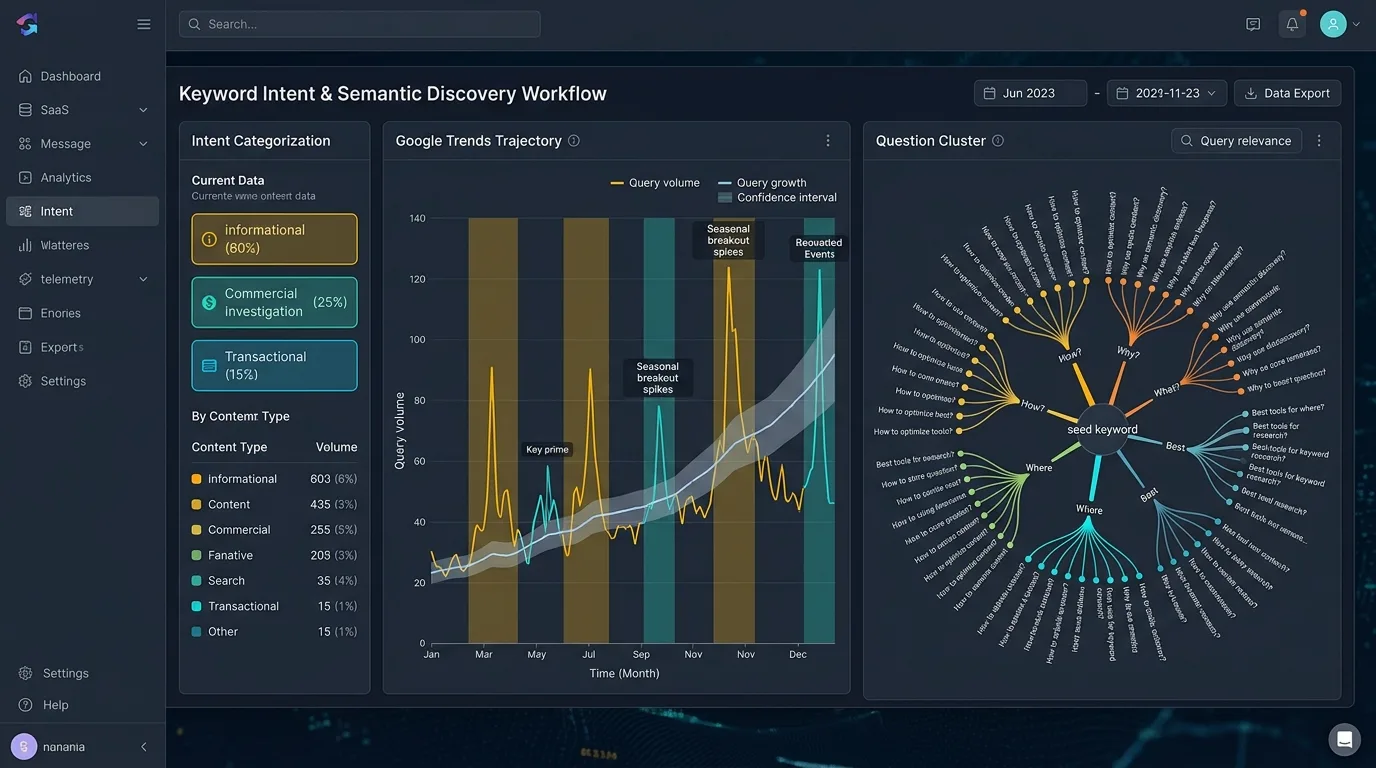
By leveraging RE2 syntax, enterprise SEOs can slice millions of search queries into actionable intent buckets with a single string. Rather than sorting through endless keyword spreadsheets, you can immediately surface commercial buyers, informational researchers, or high-intent comparison shoppers.
| Search Intent Category | RE2 Regular Expression Pattern | Analytical Purpose & Value | Sample Search Queries Captured |
|---|---|---|---|
| Informational Question Queries | ^(who|what|where|when|why|how|can|is|are) |
Isolates top-of-funnel informational demand; perfect for structuring FAQ schemas and editorial headings. | "how to fix crawl budget", "what is faceted navigation", "can googlebot execute javascript" |
| High Commercial Comparison Intent | (vs|versus|alternative|alternatives|competitor|compare|comparison) |
Identifies prospects in active vendor evaluation phases; directly informs comparison landing page strategy. | "nextjs vs remix", "semrush alternatives", "shopify compare woocommerce" |
| Transactional / Buyer Intent | (buy|pricing|price|cost|discount|quote|enterprise|hire) |
Uncovers high-converting bottom-of-funnel searches; essential for auditing landing page commercial relevance. | "seo audit cost", "enterprise cloud pricing", "buy nextjs theme" |
| Long-Tail Problem Solving (5+ Words) | ([^ ]+ )(4,)[^ ]+ |
Filters for ultra-specific long-tail queries containing 5 or more words where conversion intent is extraordinarily high. | "how to fix duplicate without user selected canonical in gsc" |
| Brand Misspellings & Variants | (seobeen|seo\s*bean|seobean|seo-been) |
Aggregates fragmented branded search variations to measure true brand awareness and branded CTR. | "seo been audit", "seobean login", "seo-been tools" |
Select "Doesn't match regex" and input your core brand variations: (brand|brandname|brand\s*inc). This instantly isolates pure non-branded organic traffic across your entire site, allowing you to accurately measure organic content growth unskewed by brand awareness campaigns or PR spikes.
4. Diagnosing Keyword Cannibalization: Detecting Multiple URLs Competing for the Same Query
Keyword cannibalization is an insidious performance killer in expanding websites. It occurs when two or more pages on your domain compete for the same query in Google's index. Rather than presenting a unified, authoritative destination, your domain presents split signals, causing Google's ranking algorithms to oscillate between the competing URLs and depressing both pages to lower positions.
Search Console is the definitive tool for diagnosing cannibalization with surgical precision:
Step-by-Step Cannibalization Diagnostic Protocol
- Navigate to the Performance tab and set the date range to the last 6 months.
- Click + New $ ightarrow$ Query $ ightarrow$ Enter your target commercial keyword.
- Switch from the default "Queries" tab to the Pages tab.
- Inspect the URL list: if two or more distinct URLs have received significant impressions and clicks for that exact query, you have confirmed active keyword cannibalization.
- Examine the Average Position and historical click chart for each URL. If you observe alternating "see-saw" patterns—where URL A ranks for two weeks, then drops while URL B rises—Googlebot is actively confused regarding which page is canonical.
To eliminate the cannibalization, determine which URL holds the highest natural authority. Implement a 301 Permanent Redirect from the weaker competing page to the primary hub, or refactor the internal linking anchor text and on-page headings following the directives in our guide on on-page SEO mastery and semantic relevance.
5. The Position-CTR Curve: Identifying Striking Distance Keywords Ready for Rapid Gains
One of the highest-ROI activities in SEO is identifying Striking Distance Keywords—queries ranking between positions 4.0 and 15.0 that already generate healthy impressions but suffer low click-through rates due to sub-optimal SERP positioning.
Because moving a keyword from position 28 to position 12 produces virtually zero traffic lift, while moving a keyword from position 7 to position 2 increases clicks by 400% to 800%, concentrating editorial updates on striking distance assets delivers rapid revenue acceleration.
Automating Striking Distance Identification
Apply this filter combination in Search Console:
- Position Filter: Greater than 4.0
- Position Filter 2: Smaller than 15.0
- Impressions Filter: Greater than 1,000
- CTR Filter: Below 3.0%
The resulting list contains your lowest-hanging fruit. For each surfaced query, inspect the ranking page: rewrite the <title> tag to match the specific emotional hook of the query, integrate the query token into an <h2> heading, add an interactive FAQ answering the underlying question, and channel 2 to 3 internal links with descriptive anchor text from your highest-authority blog posts.
6. Page Experience, Core Web Vitals, and Mobile Usability Telemetry in GSC
Google Search Console does not merely report on queries; it provides real-world field telemetry measuring user experience through the Core Web Vitals report. Unlike lab testing tools (such as Lighthouse) that simulate page performance in artificial test environments, GSC aggregates real-user telemetry via the Chrome User Experience Report (CrUX).
The Critical 2026 Core Web Vitals Benchmarks
- Largest Contentful Paint (LCP): Measures loading performance. Good: $\le 2.5 ext{s}$. Needs Improvement: $2.5 ext{s}–4.0 ext{s}$. Poor: > $4.0 ext{s}$. Common culprit: unoptimized hero images or slow server TTFB.
- Interaction to Next Paint (INP): Measures page responsiveness and interactivity. Good: $\le 200 ext{ms}$. Needs Improvement: $200 ext{ms}–500 ext{ms}$. Poor: > $500 ext{ms}$. Common culprit: heavy main-thread JavaScript execution during user clicks.
- Cumulative Layout Shift (CLS): Measures visual stability. Good: $\le 0.1$. Needs Improvement: $0.1–0.25$. Poor: > $0.25$. Common culprit: dynamically injected ad banners or image elements lacking explicit width/height dimensions.
When URLs fail Core Web Vitals thresholds in GSC, Google groups them into "URL Groups" sharing identical page templates. Fixing the underlying template once resolves the status for thousands of pages across your domain simultaneously.
7. Navigating the Index Coverage Report: Crawled Not Indexed vs Discovered Not Indexed
The Pages report (formerly Index Coverage) in Google Search Console is the ultimate diagnostic barometer for host crawl health. Understanding the technical difference between Google's exclusion classifications is essential for prioritizing engineering sprints:
1. "Crawled - currently not indexed"
This status indicates that Googlebot successfully fetched your page, rendered the HTML, and analyzed the content—but actively chose not to add it to the search index. This is an explicit, algorithmic quality rejection. The page was deemed thin, unhelpful, duplicate, or lacking sufficient Information Gain. If tens of thousands of URLs share this status, your site is suffering from content bloat or duplicate filter parameters.
2. "Discovered - currently not indexed"
This status indicates that Googlebot found the URL (via an internal link, XML sitemap, or external backlink) and added it to its crawl queue, but has not yet fetched or rendered the page. This is an explicit crawl budget and server capacity bottleneck. Googlebot determined that fetching the page was not worth the host latency or crawl resources at this time. Resolving this requires optimizing server response times, cleaning XML sitemaps, and pruning low-value internal links, as detailed in our guide on crawl budget optimization at scale.
8. Automating Data Extraction via Google Search Console Search Analytics API & BigQuery
While the Search Console web interface is sleek, it imposes a severe operational limitation: it restricts table displays to a maximum of 1,000 rows. For an enterprise website receiving clicks across 150,000 unique query permutations, the web interface hides over 99% of your raw performance data.
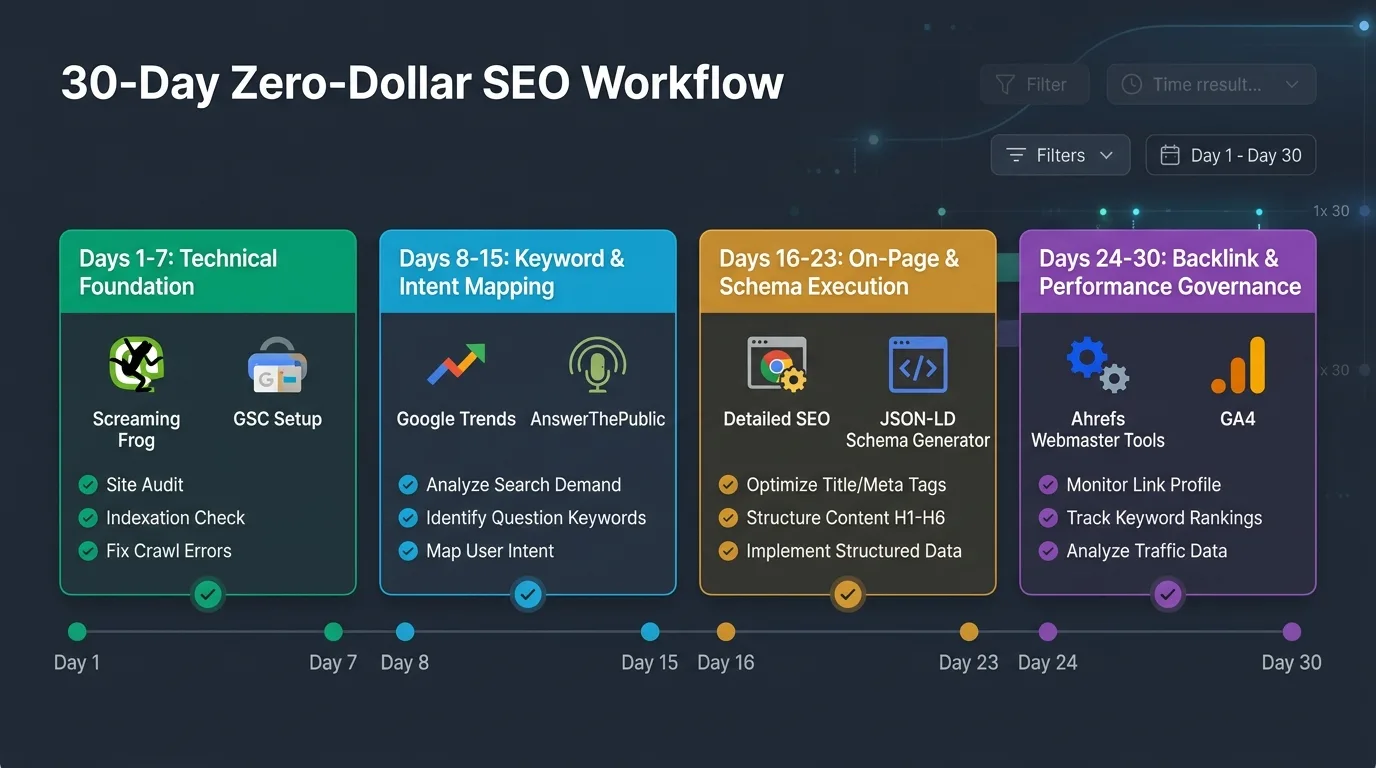
Extracting 25,000 Rows with Python Search Analytics API
Using the official Google API Client Library in Python, you can bypass the 1,000-row UI barrier and download up to 25,000 rows per API request:
import os
from googleapiclient.discovery import build
from google.oauth2 import service_account
import pandas as pd

def fetch_gsc_search_analytics(site_url: str, start_date: str, end_date: str, row_limit: int = 25000):
    # Authenticate via service account credentials JSON
    credentials_path = os.getenv("GOOGLE_APPLICATION_CREDENTIALS", "service_account.json")
    credentials = service_account.Credentials.from_service_account_file(
        credentials_path,
        scopes=["https://www.googleapis.com/auth/webmasters.readonly"]
    )

    service = build("searchconsole", "v1", credentials=credentials)

    # Construct API query payload
    request_body = {
        "startDate": start_date,
        "endDate": end_date,
        "dimensions": ["query", "page"],
        "rowLimit": row_limit,
        "startRow": 0
    }

    response = service.searchanalytics().query(siteUrl=site_url, body=request_body).execute()
    rows = response.get("rows", [])

    data = []
    for r in rows:
        data.append({
            "query": r["keys"][0],
            "page": r["keys"][1],
            "clicks": r["clicks"],
            "impressions": r["impressions"],
            "ctr": round(r["ctr"] * 100, 2),
            "position": round(r["position"], 1)
        })

    df = pd.DataFrame(data)
    print(f"Successfully extracted {len(df)} query-page records from GSC API.")
    return df

if __name__ == "__main__":
    df = fetch_gsc_search_analytics("https://example.com", "2026-08-01", "2026-08-31")
    # Identify high impression, low CTR queries
    striking_distance = df[(df['position'] >= 4) & (df['position'] <= 15) & (df['impressions'] >= 500)]
    print(striking_distance.head(10))
For websites generating millions of clicks monthly, configure the native GSC Bulk Data Export to BigQuery. Once configured in the Search Console settings, Google streams un-sampled, daily raw event logs directly into Google BigQuery, providing permanent, SQL-queryable access to your domain's complete search history.
9. Building an Executive Anomaly Detection Dashboard in Python and Looker Studio
Waiting for monthly reporting cycles to discover traffic drops is a catastrophic operational vulnerability. By building an automated Search Anomaly Detection Pipeline, enterprise teams can receive real-time alerts whenever a core category experiences statistical anomalies.
The Z-Score Anomaly Formula
An anomaly is mathematically defined as an observation that deviates from the historical rolling average by more than two standard deviations:
$$Z = rac{X_t - \mu_{30}}{\sigma_{30}}$$
Where $X_t$ is today's organic click volume, $\mu_{30}$ is the 30-day rolling mean, and $\sigma_{30}$ is the standard deviation. If $Z \le -2.0$, an automated webhook dispatches a critical alert to your engineering and SEO teams, identifying the exact sub-directory or template that experienced the collapse.
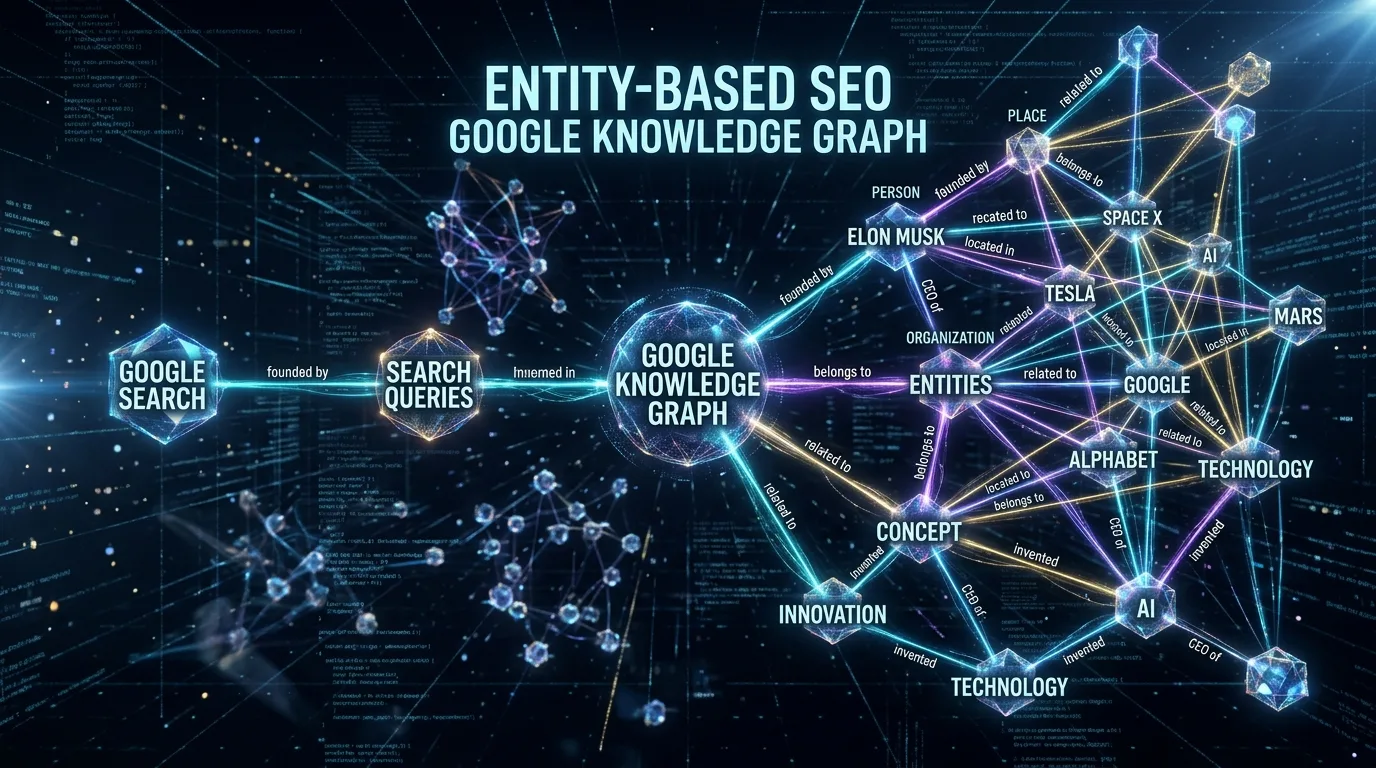
When investigating sudden drops, verify that entity salience and structured schema connections remain intact. For an architectural review of entity validation, consult our guide on entity-based SEO and Knowledge Graph disambiguation.
10. Frequently Asked Questions
Explore authoritative answers to essential technical questions regarding Google Search Console advanced filtering, regular expressions, and API automations.
Why doesn't the total clicks in the GSC chart match the sum of table clicks?
To protect user privacy, Google applies privacy thresholds that withhold extremely low-volume, personal, or sensitive search queries from the individual query table rows. The aggregate chart at the top reflects the true absolute total of all clicks and impressions, while the table displays only queries that passed Google's privacy filter.
What is the difference between URL-level and Domain-level properties in GSC?
A Domain Property (e.g., example.com) aggregates all subdomains (www, blog, api) and protocols (http and https) across your entire root domain, requiring DNS TXT record verification. A URL-Prefix Property (e.g., https://www.example.com/) tracks only that exact URI prefix. Enterprise organizations should always maintain both: a master Domain Property for global health, and separate URL-Prefix properties for major subdirectories to isolate regional or functional tracking.
How often does Google Search Console update its performance data?
Performance data is updated continuously throughout the day with an average lag of 12 to 24 hours. The "Most Recent Date" toggle displays preliminary intraday data from the past few hours, though these numbers remain subject to minor consolidation adjustments over the subsequent 48 hours.
Can I use lookahead or lookbehind in GSC regex filters?
No. Google Search Console utilizes Google's open-source RE2 regular expression engine, which strictly prohibits lookarounds ((?=...), (?!...), (?<=...), (?<!...)) to prevent catastrophic regex backtracking. You must achieve your filtering logic using standard character sets, anchors, and alternation pipes.
What causes a sudden spike in 'Crawled - currently not indexed'?
A sudden spike typically indicates that Googlebot discovered a massive cluster of low-quality or duplicate URLs. Common causes include unconstrained faceted navigation filters, broken canonical tags, automated auto-tag pages in CMS updates, or a broad core update that recalibrated Google's quality threshold for your domain.
What is the difference between an Impression and a Click in GSC?
An Impression is recorded whenever a URL from your property appears on a search results page loaded by a user, regardless of whether the user scrolled down to view the specific snippet. A Click is recorded only when the user clicks on that link and departs Google's SERP to navigate to your web page.
How do I request indexation for an updated page in GSC?
Paste the URL into the top search bar (the URL Inspection tool). Click "Test Live URL" to verify that Googlebot can fetch and render the page without 4xx/5xx errors or blocking directives. If valid, click "Request Indexing." Note that there is a daily quota (typically 10 to 50 requests per property), and submitting requests does not guarantee immediate indexation.
What is the Google Search Console API quota limit?
The Search Analytics API allows up to 1,200 requests per minute per project and 100,000 requests per day. Each single API call can retrieve up to 25,000 rows. By paginating through the startRow parameter, you can extract millions of rows daily without hitting quota boundaries.
How does GSC handle Discover traffic compared to standard Search?
Google Discover performance appears in a dedicated separate tab in GSC, visible only if your domain has earned a minimum threshold of Discover impressions over the past 16 months. Discover metrics record impressions when a card is scrolled into view in the Google mobile feed and clicks when the user opens the card.
Why does GSC show rankings for keywords that my page doesn't even contain?
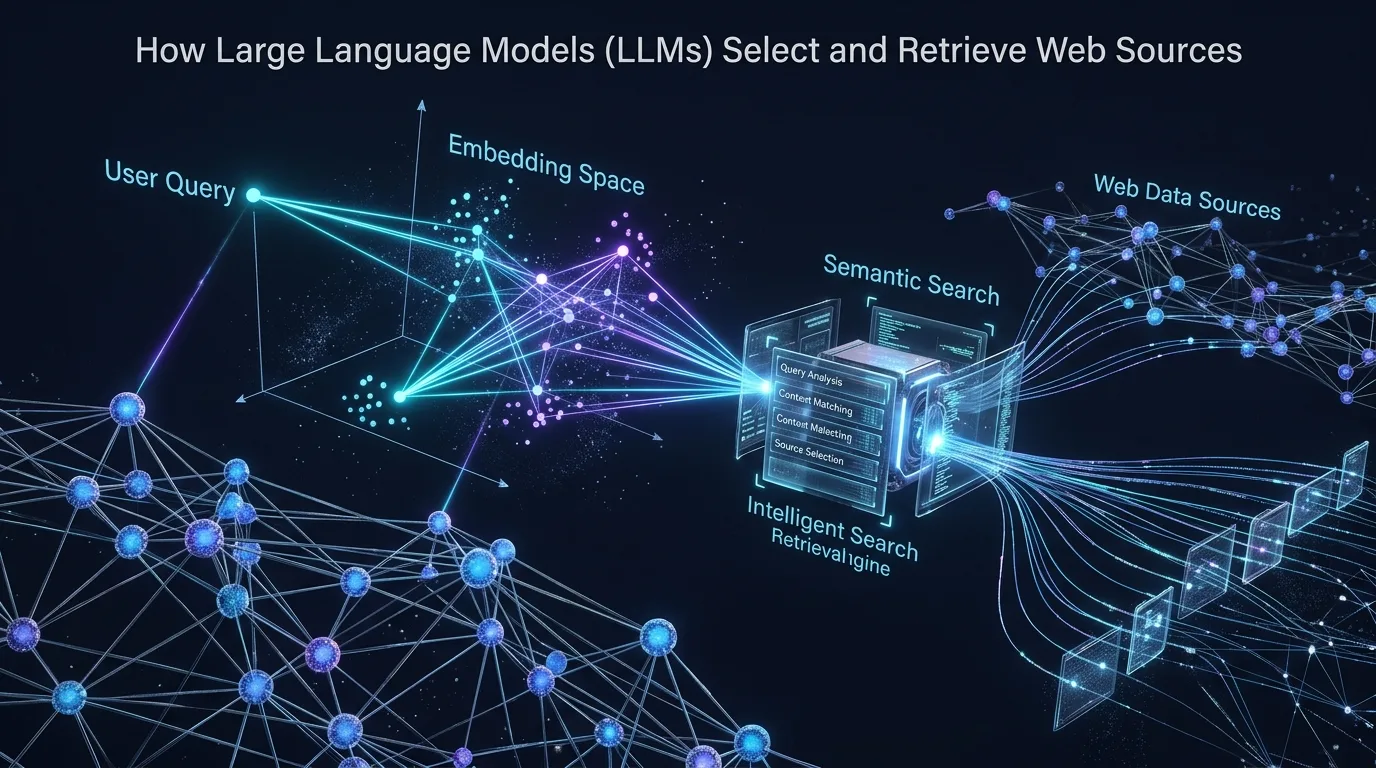
Google ranks pages based on semantic entities, contextual vector embeddings, and incoming anchor text—not merely exact lexical text matches. If your page is authoritatively recognized as solving a specific problem, Google will rank it for synonymous or conceptual queries even if those precise words never appear in your body text.

Ratings & reviews
No reviews yet. Be the first.